2
GB
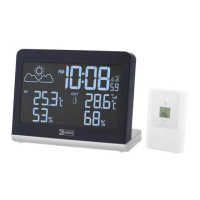
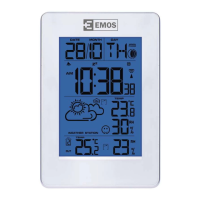
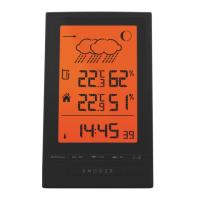
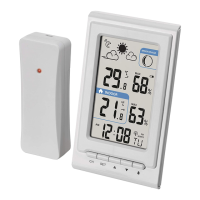
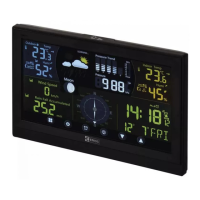
Wireless weather station
Specications:
radio controlled clock
indoor temperature: -10 °C to +50 °C
outdoor temperature: -40 °C to +60 °C
temperature resolution: 0.1 °C
temperature measurement accuracy: ±1 °C (20 to 24 °C), otherwise ±2 °C
wireless sensor: transmission frequency 433 MHz
radio signal range: up to 35 m in an open area
number of sensors per connection: max. 3
indoor and outdoor relative humidity: 20 % to 95 %
resolution: 1 %
measurement accuracy: ±5 % (30 to 80 %), otherwise ±8 %
bar. pressure measurement range: 800 hPa to 1 100 hPa
power supply:
main unit: 2× 1.5 V AAA batteries (not supplied)
sensor: 2× 1.5 V AA batteries (not supplied)
dimensions and weight without batteries:
main unit: 110 × 110 × 47 mm, 125 g
sensor: 91 × 60 × 28 mm, 39 g
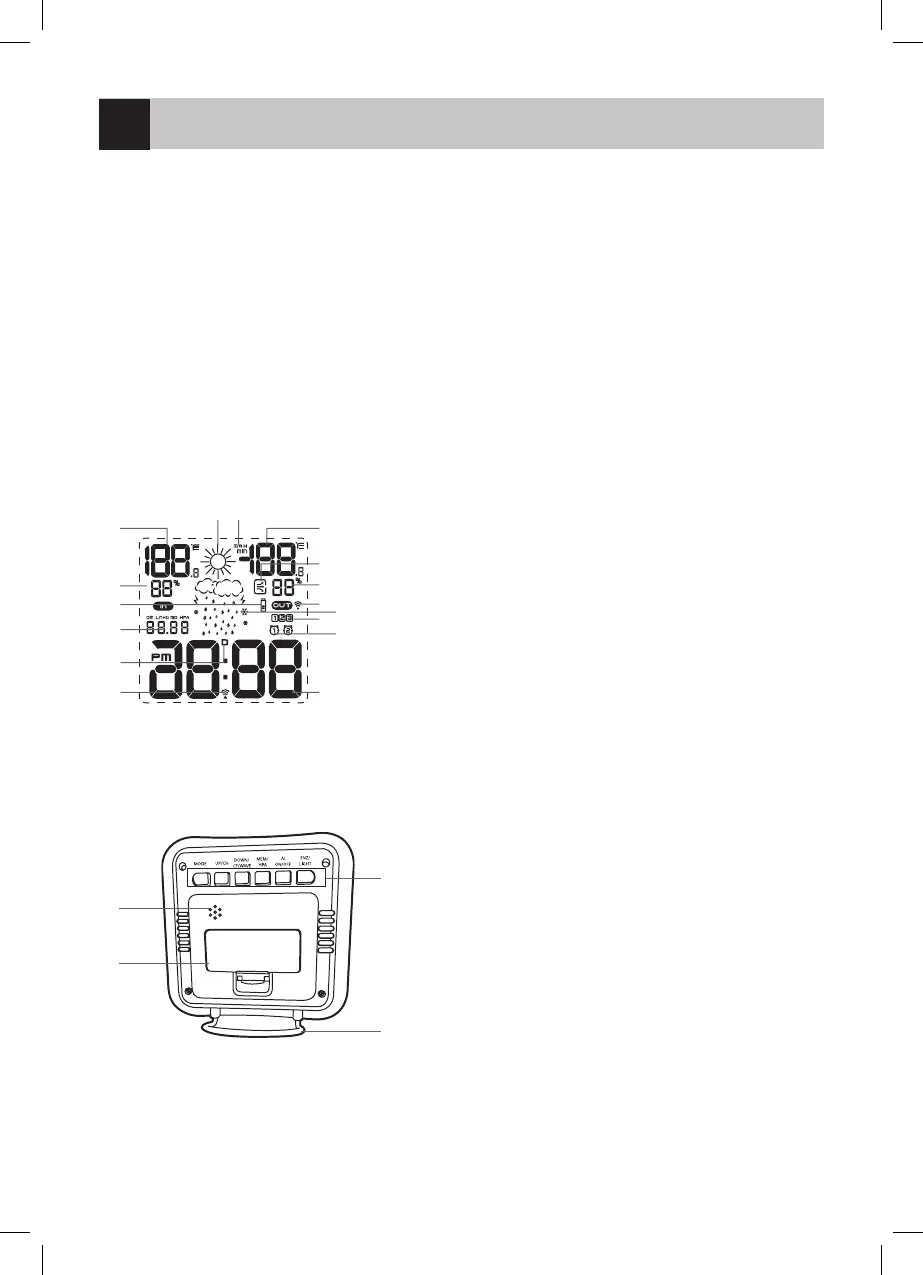
Display Description
1
2 3
4
5
6
7
8
9
10
11
16
15
14
13
12
1. Indoor temperature
2. Weather forecast icon
3. MAX/MIN measured values
4. Outdoor temperature
5. Pressure trend
6. Outdoor humidity
7. Signal reception from sensor icon
8. Glaze ice icon
9. Sensor number
10. Alarm icon
11. Current time
12. DCF signal reception icon
13. DST icon
14. Date/pressure
15. Sensor battery at icon
16. Indoor humidity
Back
1
2
4
3
1. Speaker
2. Weather station control buttons (MODE, UP/CH,
DOWN/CF/WAVE, MEM/HPA, AL ON/OFF, SNZ/LIGHT)
3. Stand
4. Battery compartment
Getting Started
First insert batteries into the main unit, then into the wireless sensor. Do not combine old and new or various kinds of batteries
(alkaline, carbon-zinc and nickel-cadmium); do not use rechargeable batteries!


 To Next Page