8
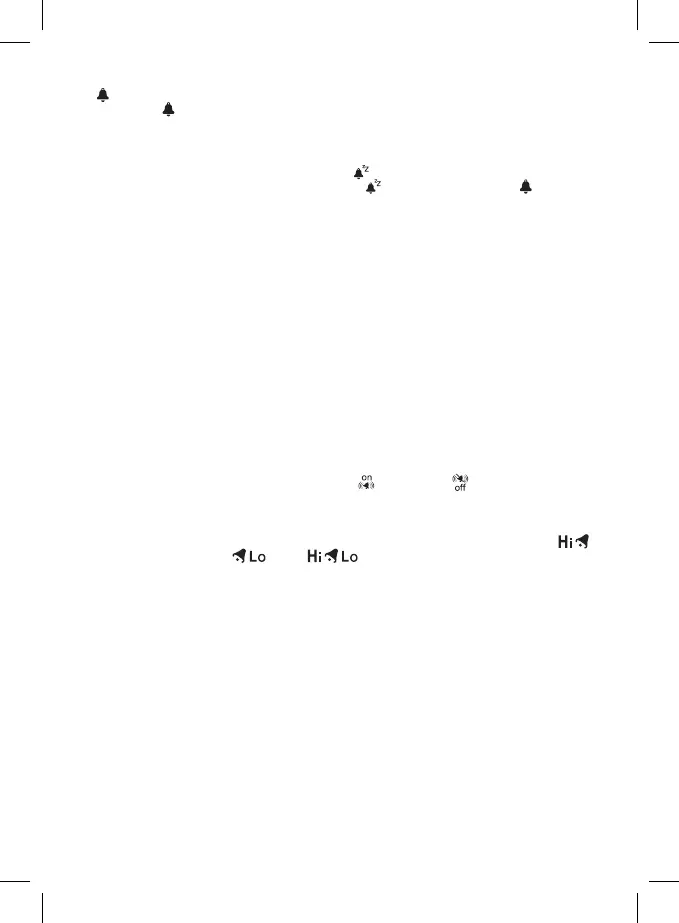
To activate the alarm, press MODE again (AL appears on the screen) and then UP/DOWN.
If
appears on the screen, the alarm is activated. Pressing the UP/DOWN button again deactivates
the alarm; the icon disappears.
Snooze Function
The ringing of the alarm can be delayed by 5 minutes using the SNZ/LIGHT button located at the top
of the weather station.
Press the button when the alarm starts ringing. The icon will be ashing.
To cancel SNOOZE mode, press any other button – the icon will stop ashing and will remain
on the screen.
The alarm will trigger again the next day.
Station Screen Illumination
1. When powered via adapter:
Permanent screen illumination is automatically set.
Repeatedly pressing the SNZ/LIGHT button switches between 3 illumination levels (100% – 50% – o).
2. When powered only by 3× 1.5 V AAA batteries:
Screen illumination is o. Pressing the SNZ/LIGHT button will turn screen illumination on for 10 sec-
onds, then it turns o again. When the station is only powered by batteries, permanent screen
illumination cannot be activated!
Note:
The inserted batteries serve as backup for the measured/set data.
If batteries are not inserted and you unplug the adapter, all data will be erased.
5 V/1 A USB Port
The port is used for charging compatible USB devices. The charging cable is not included.
The USB port only functions when the station is powered from the adapter.
Setting Outdoor Rain and Temperature Alert
Long-press the ALERT button; rain alert setting will start ashing.
Repeatedly pressing the UP/DOWN buttons activates
or deactivates the rain alert.
Conrm by pressing ALERT; the precipitation value will start ashing.
Repeatedly press the UP/DOWN buttons to set the alert value of your choice (0.25 to 999.99 mm).
Conrm by pressing alert ALERT; the station switches to temperature alert settings.
Repeatedly pressing the UP/DOWN buttons deactivates the maximum temperature alert ,
minimum temperature alert or both .
Conrm by pressing ALERT; the maximum temperature value will start ashing.
Repeatedly press the UP/DOWN buttons to set the alert value of your choice.
Conrm by pressing ALERT; the minimum temperature value will start ashing.
Repeatedly press the UP/DOWN buttons to set the alert value of your choice and conrm by pressing
ALERT.
After the set limit is exceeded, the station will play a sound and the value will be ashing.
Pressing any button on the screen cancels the alert sound, but the icon of an active alert will
continue ashing.
Once temperature drops below the set limit, the icon on the screen will stop ashing.
If you do not wish to wait for the value to drop, you must adjust the value or deactivate the alert.
Weather Forecast
The station uses changes in atmospheric pressure to forecast weather for the next 12–24 hours for
an area within the radius of 15–20 km.
The accuracy of weather forecast is 70–75%. The forecast icon is displayed in eld no. 16.
As the weather forecast may not be 100% accurate, neither the manufacturer nor the seller can be
held responsible for any loss caused by an incorrect forecast.
When you rst set or reset the weather station, it takes approximately 12 hours before the weather
station begins forecasting correctly.


 To Next Page