3
GB |
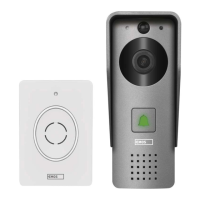
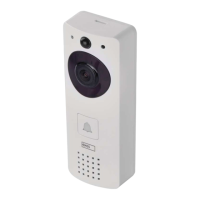
IP Door camera unit
Contents of Delivery
assembly hood 1 pc
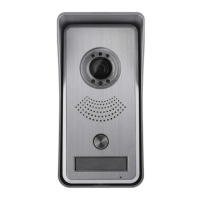
door camera unit 1 pc
power supply 1 pc
melodic bell 1 pc
fastening screws
Installation
see Fig. 3
Proper functioning of the device requires quality signal from the WiFi network. In case of poor wireless connection quality,
connect the device to the home network using a data cable with RJ45 connectors.
1. Unscrew the screw on the bottom side and slide the door camera unit out from the hood.
2. Choose a suitable place for mounting and attach the hood.
3. Attach the connected door camera unit to the covering hood using the enclosed screws.
Door camera unit on plaster – apply a layer of silicone between the wall and the door unit which will prevent ingress of humidity.
The silicone should be applied on the top and the sides. The bottom side must remain free to allow humid air to ow away.
Control of Application for Remote Access
1. Downloading the Application
Download the application from Google Play or Apple Store. Name: VDP
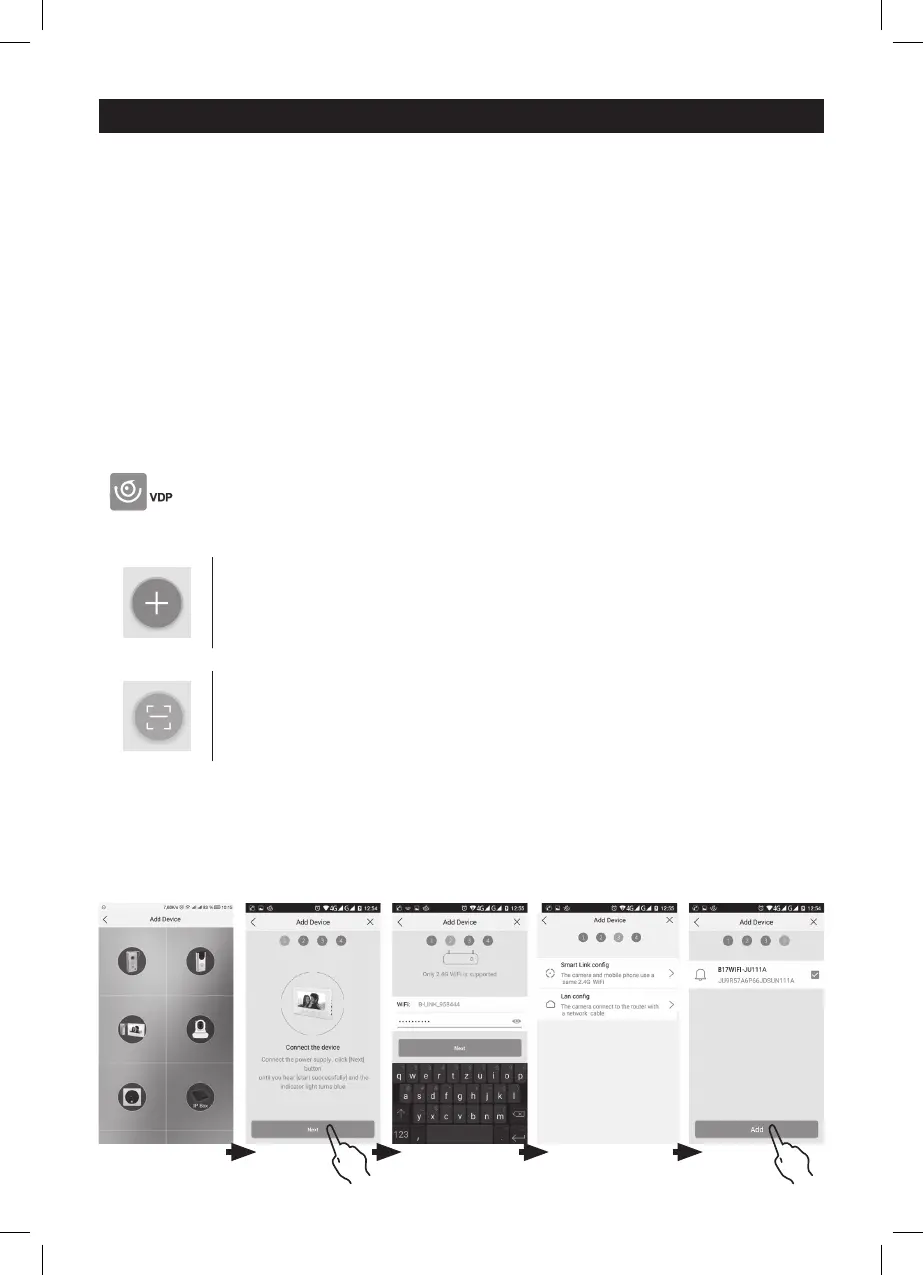
2. Adding a New Device
a) pairing a new device
Click the icon on the main screen.
Choose the model of the device you wish to connect based on the picture.
b) adding a shared device (device is already added and used by another user)
Click the icon on the main screen.
Load the QR code from the display of the user who wants to share access to the device.
Access must already be set for the device.
3. Pairing a Device with a Local Network
a) Connect your mobile device to a local network (Wi-Fi only 2.4 GHz).
b) After selecting the correct model for the connected device based on the picture, enter access information for the network
(SSID name of the network and access key).
c) Choose smart cong method.
d) You must enter name and password after successful pairing (default: admin/admin).
e) Default password must be changed upon rst connection.


 To Next Page