Fig. 6c
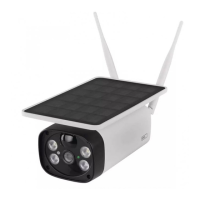
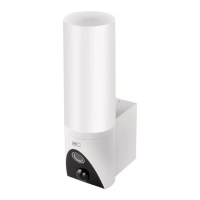
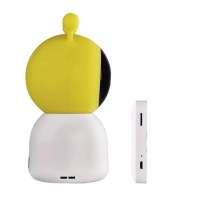
Choose the correct type of product.
Fig. 6d
Connect the device to power.
Fig. 6e
Make sure the LED on the device is ashing.
Conrm by tapping next.
Fig. 6f
Enter the name of the Wi network and password.
Conrm by tapping next.
Fig. 6g
A QR code will appear on the screen of your device.
Place the QR code in front of the lens of the camera unit.
Conrm that you have heard an audio signal for successful
pairing.
Fig. 6h
The device will be detected automatically.
Fig. 6i
The device has been found.
Conrm by tapping done.
Connectivity: Wi-Fi 2.4 GHz IEEE 802.11b/g/n
Frequency band: 2.400–2.4835 GHz
Hereby, EMOS spol. s r.o. declares that the radio equipment
type H4051 is in compliance with Directive 2014/53/EU. The
full text of the EU declaration of conformity is available at the
following internet address: http://www.emos.eu/download.
Do not dispose with domestic waste. Use special co-
llection points for sorted waste. Contact local authori-
ties for information about collection points. If the
electronic devices would be disposed on landll, dan-
gerous substances may reach groundwater and subsequent-
ly food chain, where it could aect human health.


 To Next Page