EasyManua.ls Logo

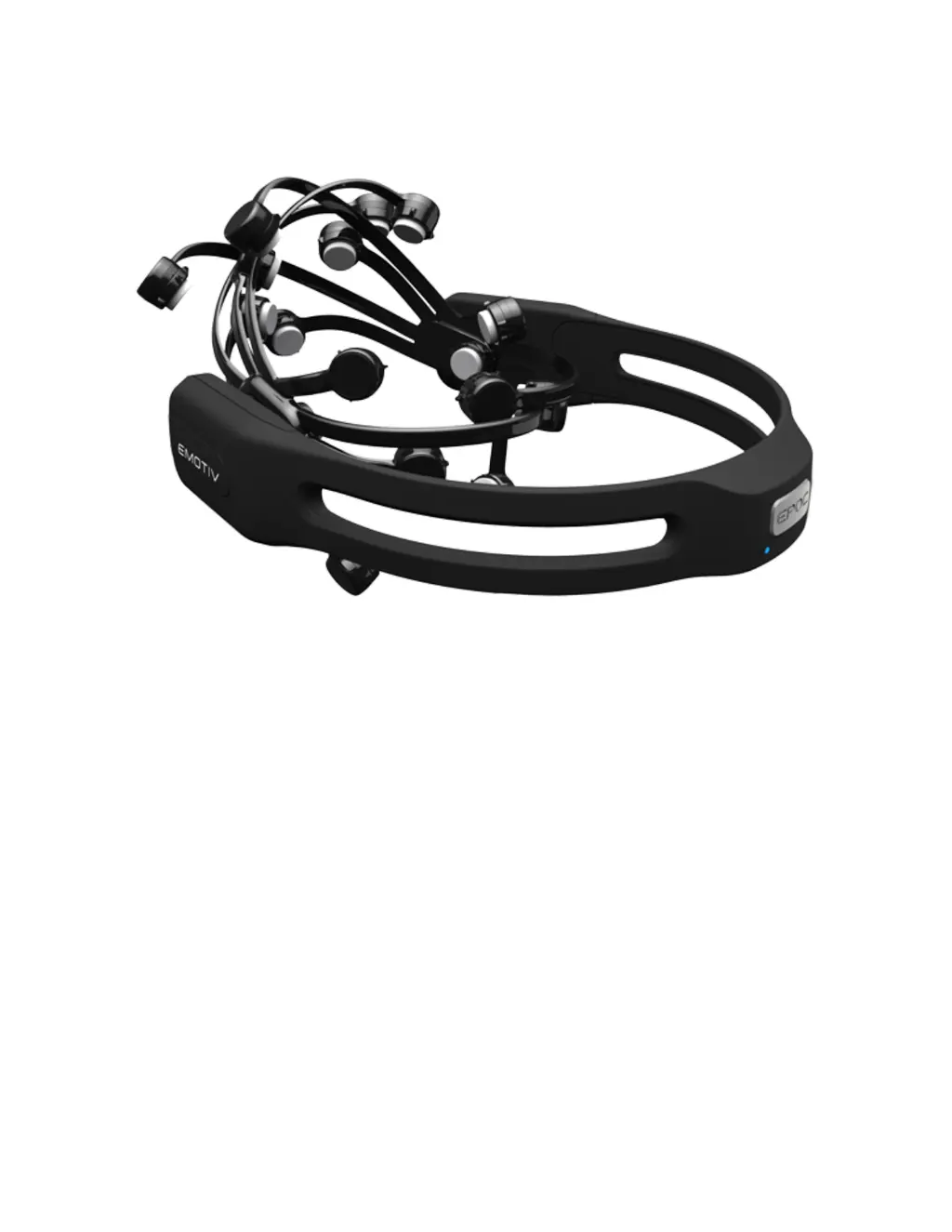
Emotiv EPOC+ Series - User Manual

Emotiv EPOC+ Series
19 pages
Print Icon
To Next Page IconTo Next Page
Loading...
EPOC+
User Manual
Last updated: January 10, 2018
Copyright EMOTIV, Inc.
EMOTIV EPOC+ Manual 1 of 19

Questions and Answers

  • C
    cooklindseyJul 28, 2025
    How to fix poor contact quality on Emotiv Headsets?
    • D
      Destiny UnderwoodJul 28, 2025
      Poor contact quality with Emotiv Headsets is often due to bad positioning or dry sensors. Ensure the headset makes good contact with the scalp and that the sensors are adequately wet. If you're still experiencing issues, try working the sensor under the hair and adding more fluid. Also, verify that the reference sensors have good contact (green). Remember to address reference sensors first. If the felt sensors are new, they might need time to fully absorb the fluid; apply a small amount initially, then top them up until wet to the touch.
  • D
    David Carr DDSAug 10, 2025
    What to do if Emotiv Headsets corrode due to saline solution?
    • K
      Kenneth NealAug 10, 2025
      Corrosion in Emotiv Headsets can occur when saline solution reacts with the coating used to enhance signal quality. To address this, remove all sensors (or at least the felt pads) and place them in the provided hydrator pack, leaving it open to allow them to dry out.

Summary

Introduction

Safety Precautions

Details essential safety warnings and precautions for using the EPOC+ headset, including environmental conditions and handling.

Technical Specifications

Compliance Accreditation

Package Contents

Assembly - Quick Start

Charge your headset

Instructions for charging the EPOC+ headset, including initial setup and charging time.

Hydrate the sensors

Guidance on properly hydrating the headset sensors with saline solution for optimal contact.

Install the sensors

Steps for correctly installing the sensor units into the headset arms by turning them clockwise.

Fitting the headset

Instructions on how to properly fit the EPOC+ headset onto the head, including sensor placement.

EPOC+ Headset Details

LED Indicators

Charging

Universal USB Receiver (Dongle)

Troubleshooting

Contact quality

Explains how contact quality is measured and the meaning of different color states (black, red, orange, green).

Electrode Assembly

Broken sensor lock

Addresses issues with the quarter turn locking mechanism for sensors, offering solutions via support contact.

Reattaching sensor frame

Electrode Arms

Storage

Firmware

Emotiv EPOC+ Series Specifications

General IconGeneral
Number of Channels14
Sampling Rate128 Hz
ConnectivityBluetooth
Battery Life12 hours
Wireless Range10 meters
Impedance DetectionYes
SensorsElectroencephalography (EEG)
Sensor LocationsAF3, F7, F3, FC5, T7, P7, O1, O2, P8, T8, FC6, F4, F8, AF4
Battery TypeLithium Polymer
CompatibilityWindows, macOS, Linux

Related product manuals