Need help?
Do you have a question about the Emotiva Fusion 8100 and is the answer not in the manual?
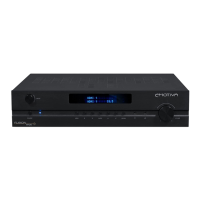
Descriptions of buttons, display, and rotary encoder on the front panel.
Overview of rear panel layout, power switch, and inlet.
FM/AM antenna terminals, IR, Trigger, and RS-232 connections.
Input voltage indicator, power switch, and IEC power inlet.
Four HDMI 1.4 inputs and one HDMI 1.4 output.
Stereo, 7.1 analog, Coaxial, and Optical inputs.
Speaker config, room correction, EQ settings.
Solutions for no power and no video issues.
Troubleshooting audio, remote control, and speaker output issues.
 General
| Zone 2 Output | Yes |
|---|---|
| Tuner | AM/FM |
| Audio Channels | 7.1 |
| Frequency Response | 20 Hz - 20 kHz (+/- 0.5 dB) |
| Input Impedance | 47 kOhms |
| Audio Formats Supported | Dolby TrueHD, DTS-HD Master Audio |
| Network Connectivity | Ethernet |
| Total Harmonic Distortion | 0.05% |
| Input Sensitivity | 200 mV |
| USB Port | Yes |
| Dimensions | 17 x 5.25 x 15 inches |
| Bluetooth | Yes (optional) |

 To Next Page