EasyManua.ls Logo

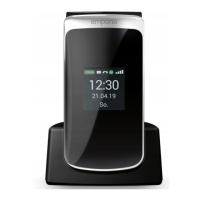
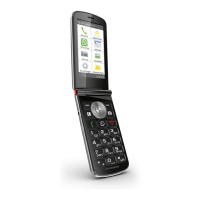
EMPORIA TOUCHsmart - YOUR MOBILE PHONE AT A GLANCE; Symbols on the external display; Other symbols on the home screen

EMPORIA TOUCHsmart
40 pages
Print Icon
To Next Page IconTo Next Page
To Previous Page IconTo Previous Page
Loading...
2
1
4
16
7
9
12
11
3
13 14
21
18
20
19
5
10
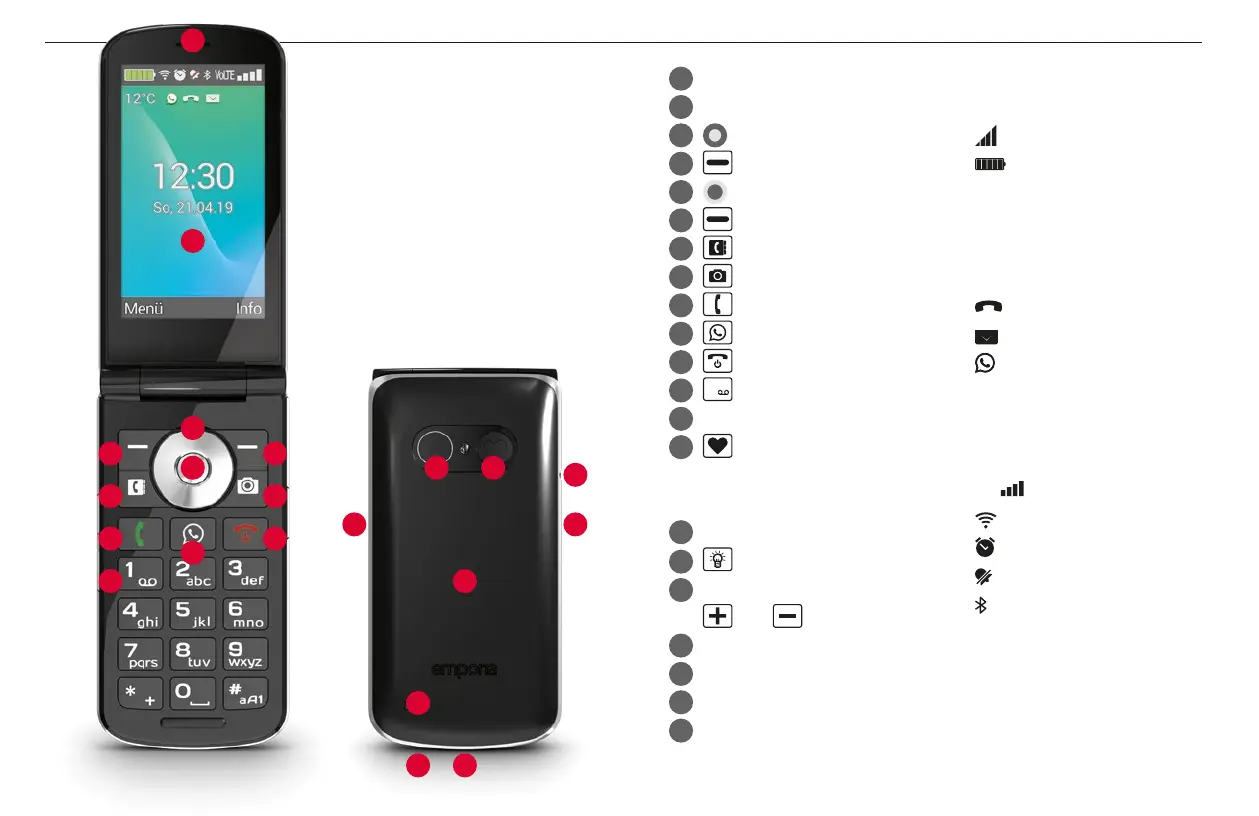
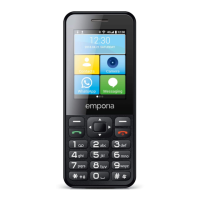
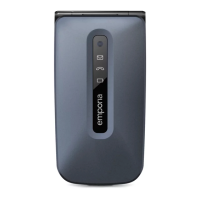
YOUR MOBILE PHONE AT A GLANCE
1
Speaker
2
Home screen
3
Navigation ring
4
Left function key
5
Selection key
6
Right function key
7
Phone book key
8
Camera key
9
Green key
10
WhatsApp key
11
Red key
12
1
key (voicemail)
13
Camera lens and ash
14
Emergency button
(extra battery cover without
an emergency button)
15
Headset port
16
Torch button
17
Volume controls
and
18
Battery cover
19
Speaker
20
Microphone
21
Port for USB charging cable
6
15
17
8
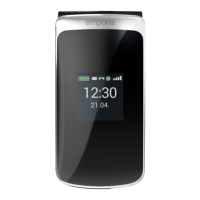
Symbols on the
external display
Reception indicator
Battery
12:3012:30 Time
21.0821.08 Date
SunSun Day
Incoming call
Missed call
New SMS
New WhatsApp
message
Other symbols on
the home screen
Vo LTE
Reception indicator
Wi-Fi
Alarm
Silent mode
Bluetooth
12 °C12 °C Temperature

Related product manuals