- 7 -
Troubleshooting
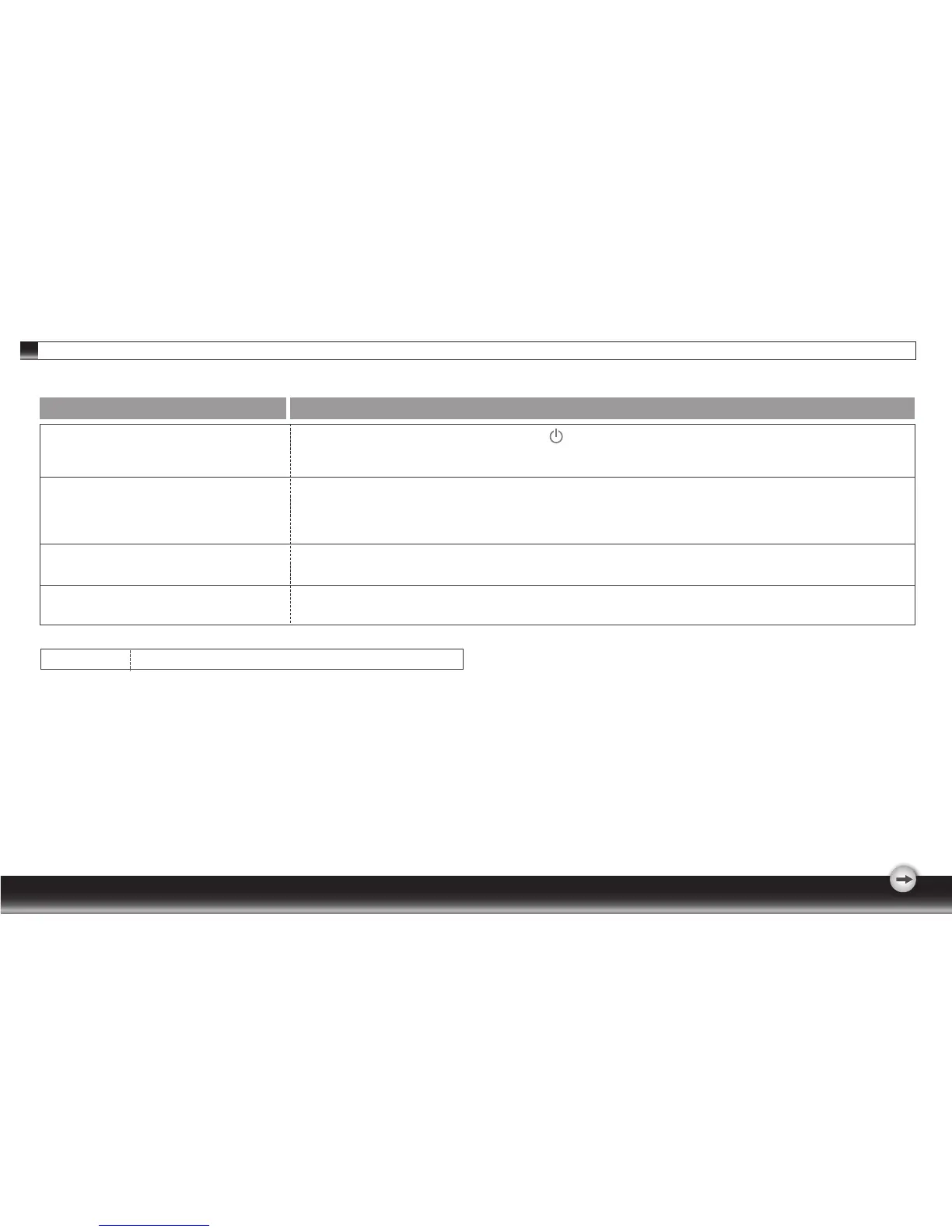
1. Check if the monitor is turned on (press the button again).
2. Check if the power cord is properly connected to the monitor and power outlet.
3 .Check if there is electricity coming from the power outlet (use another device to check for power).
1 Check if your computer is turned on.
2 Ensure the computer is not in power saving mode (move the mouse or press a key on the keyboard
to wake up the computer).
3 Check if the video signal cable is properly connected to the monitor and computer.
Symptom Check Items
1 Check if your computer is turned on.
2 Check if the video signal cable is properly connected to the monitor and computer.
1. Ensure that the resolution and/or refresh rate is set correctly.
1.No picture
2.LED indicator is not lit.
1.No picture
2.LED indicator is orange
1.Picture shows “ NO SIGNAL INPUT ”
1.Picture shows “ INPUT SIGNAL OUT OF RANGE ”
Important
Make sure your display setup is under WSXGA 1680*1050,60Hz



 To Next Page