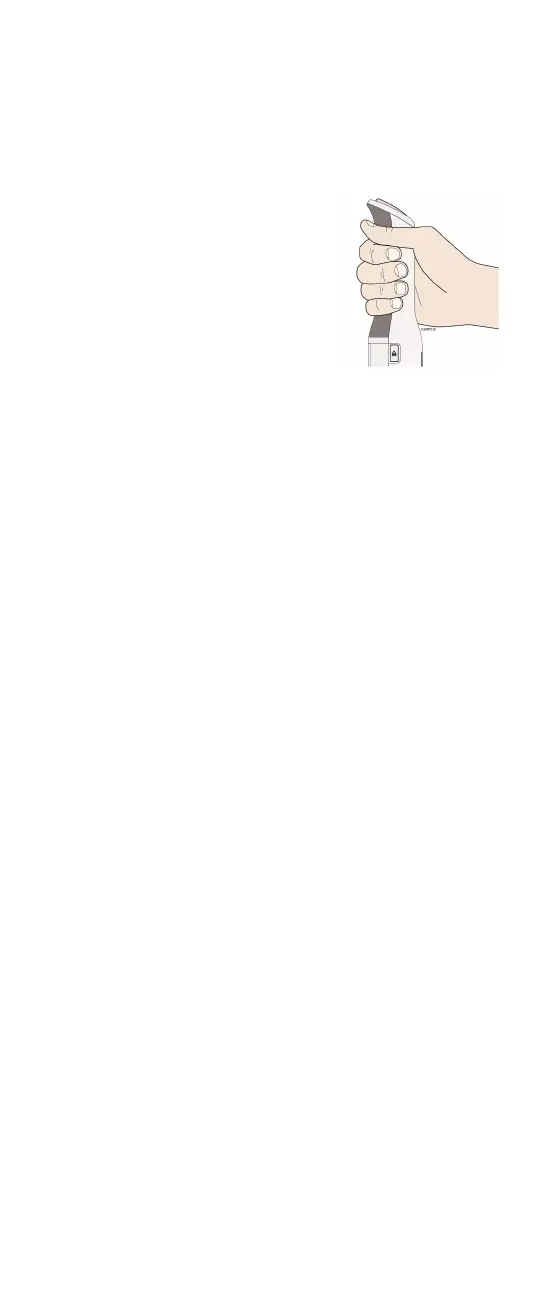
Finger grip
When injecting, hold
the AutoTouch
Connect
TM
reusable
autoinjector with
fingers wrapped
around the gray finger
grip.
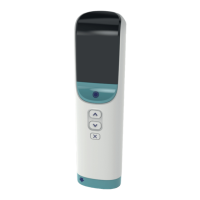
Door button
Press this button to open the door
for insertion of the Enbrel Mini
®
single-dose prefilled cartridge.
When your injection is finished,
the door will open automatically.
Viewing window
During an injection, you can look
through this window and see the
plunger lowering to deliver your
medicine. When AutoTouch
Connect is awake, the viewing
window will light up. If Enbrel
Mini is in AutoTouch Connect, and
the viewing window has no light,
then press the status button to
wake up AutoTouch Connect.
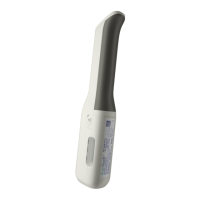
You will open this door and insert
Enbrel Mini into AutoTouch
Connect. The door will open
automatically when your injection
is finished. When inserted
properly, Enbrel Mini will slide
freely and completely into and out
of the door.


 To Next Page