Need help?
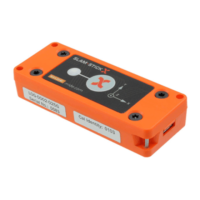
Do you have a question about the endaq Slam Stick S and is the answer not in the manual?
Essential steps for initial setup, charging, software installation, and data viewing.
Guide to configuring device settings using the Slam Stick Lab software.
Details various trigger options to control recording start conditions.
Explains factory calibration, importance of periodic verification, and user calibration.
Overview of software features for analyzing and exporting recorded data.
Addresses common issues, potential causes, and solutions for device operation.
Contact information and resources for obtaining technical assistance and product updates.
 General
| Brand | endaq |
|---|---|
| Model | Slam Stick S |
| Category | Data Loggers |
| Language | English |


 To Next Page