8
Battery Status
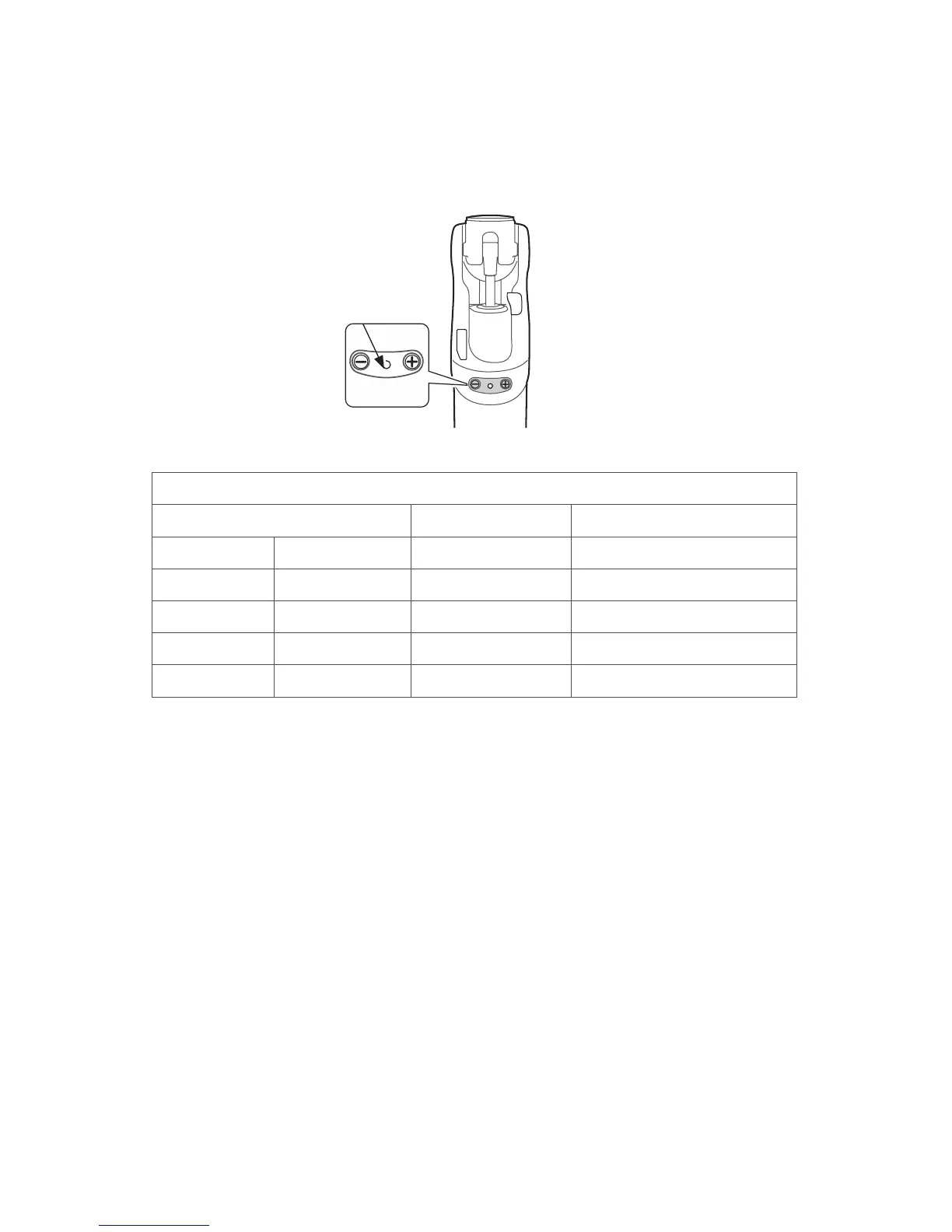
To check the battery condition press and hold the [- ] button on the knee, one short
beep will be heard and the LED will indicate the battery condition.
When fully charged the Orion3 battery is intended to provide 3 days of normal use
(conditional on the type of use). We recommend that the knee be fully charged every
night. Switching o the Orion3 when not in use will also prolong the period of use
(Note: The Orion3 will take 30 seconds to reset after it is switched back ON refer to
Battery Charging for the reset sequence).
Battery Charge Indicator
LED Beeps Battery Condition
Green 3 ashes -- fully charged
Green 2 ashes -- good
Green 1 ash -- ok
Yellow slow ash 8 x short beeps low charge
Red slow ash 5 x long beeps no charge
LED



 To Next Page