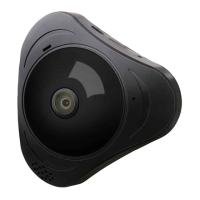
Panoramic VR IP Camera 360º
12
3
The software operation in PC
1) Download software to PC
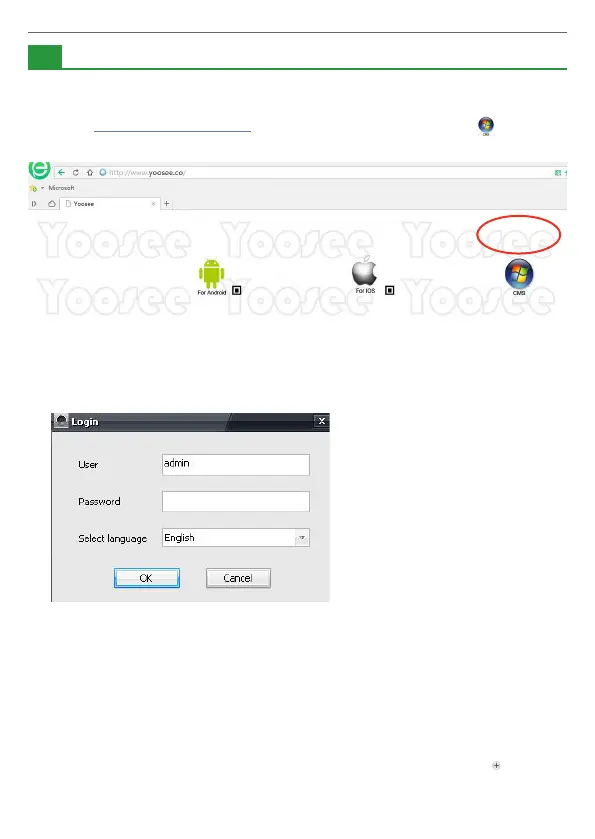
Input http://www.yoosee.co/ in the PC explorer, click the icon to
download directly.
2) Log account in PC
The default password is empty, click “OK” to login.
3) Computer terminal network connection (the same as mobile phone APP
operation)
4) Add device to PC
How to add device to the device list?
In fact, there are many kinds of ways to achieve, specic methods, please
refer to:
In the left side of the ”CMS” software interface, click the button , input
device name and ID and password and click ok:
PC CMS


 To Next Page