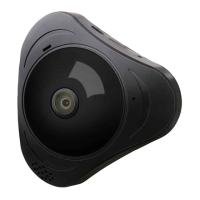
Panoramic VR IP Camera 360º
6
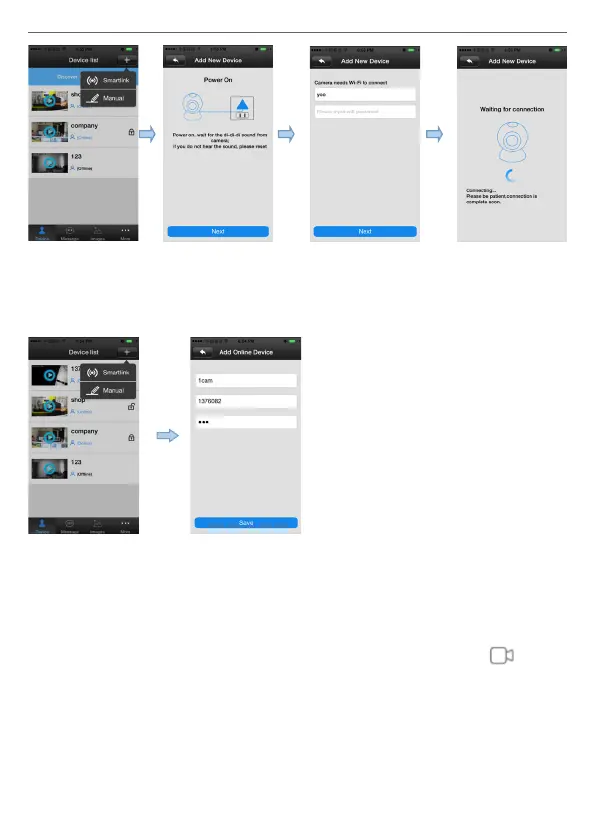
3) Add device manually: On the device interface of the Yoosee software,
click the “+” , Fill up the needed information. Device name, ID and
Password are at the bottom of the IP Camera.
4) The video settings of mobile phone:
1) Video: This device supports (upto) 64GB MicroSD card, if need record
video, please insert the memory card at rst, and then open the Yoosee:
click Device > Record settings -> Record Type, user can choose record
video manually, alarm video, timing video. Click the button “ ” to
playback the record.
Note: Please make sure the MicroSD card is genuine licensed, or it may
can not be recognized, even will damage the camera. If your didn’t
insert a MicroSD card in the camera, you can only watch the real time
online video.


 To Next Page
 Loading...