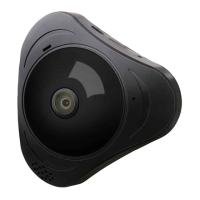
Panoramic VR IP Camera 360º
5
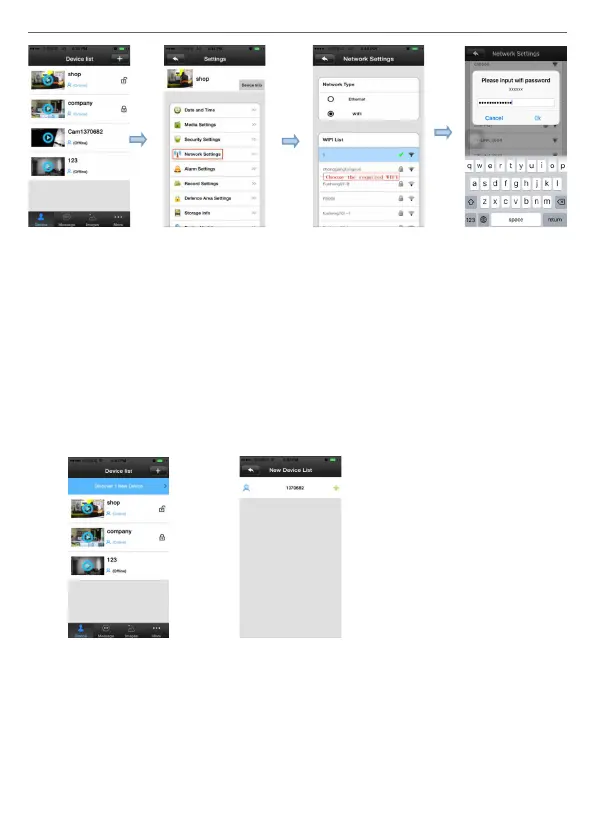
B. Set WI-FI by “Smartlink”, details refer to 3. add device on mobile
phone (2),
3. Add device on mobile phone:
How to add the device to device list:
1) In the device list inter face of the “Yoosee” software, when the camera is
in network and the phone is in the same WI-FI, both of them are in one
LAN, the software will nd all the devices automatically, and only need
choose, add and set the access password is ok.
2) Smartlink: open the Yoosee software, click “Device”, choose the “+”
button, choose “Smartlink”, click next and then choose the WI-FI and
WI-FI password you need, click the “next” again, connect the device.
Note: If you do not hearing the prompt tone when camera start
normally, please reset the camera and connect it again. Except outdoor
camera, it is no prompt sound.


 To Next Page
 Loading...