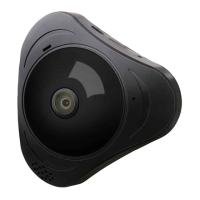
Panoramic VR IP Camera 360º
4
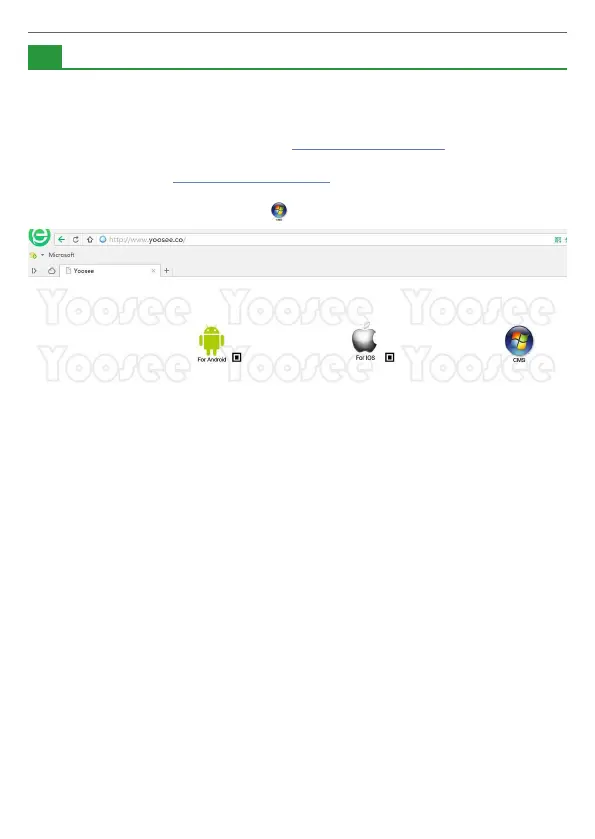
1. Mobile phone software download:
1) IOS user can download and install Yoosee in Apple ofcial shop.
2) Android user can enter website: http://www.yoosee.co, download and
install Yoosee.
3) Also can input http://www.yoosee.co/ in the explorer to download it in
PC, Android version and IOS version can scan the QR code to download
the software directly PC click to download directly.
2. Mobile phone network connection:
There are two ways for connecting device to network.
1) Wired connection: after the camera power on, connect one end of
the cable to the camera, the other end to the router LAN port (please
be sure the router open the DHCP function), the network light will be
normally on after connection successfully.
2) WI-FI connection: The users can follow the below ways if they wants
to start using WI-FI to get connection with the camera when the
camera is wired connection.
A. Open Yoosee software,
1) Choose “device”, click device name, choose settings.
2) Choose “network settings”
3) (Please don’t choose “WI-FI” directly at the moment)
the following will search all of the WI-FI signal near it
automatically, choose your WI-FI ID.
4) Input WI-FI password, open WI-FI successfully.
--The Mobile phone software operation
2
Product Information


 To Next Page
 Loading...