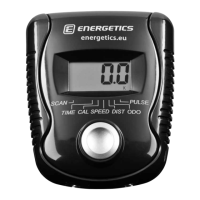
Button Functions
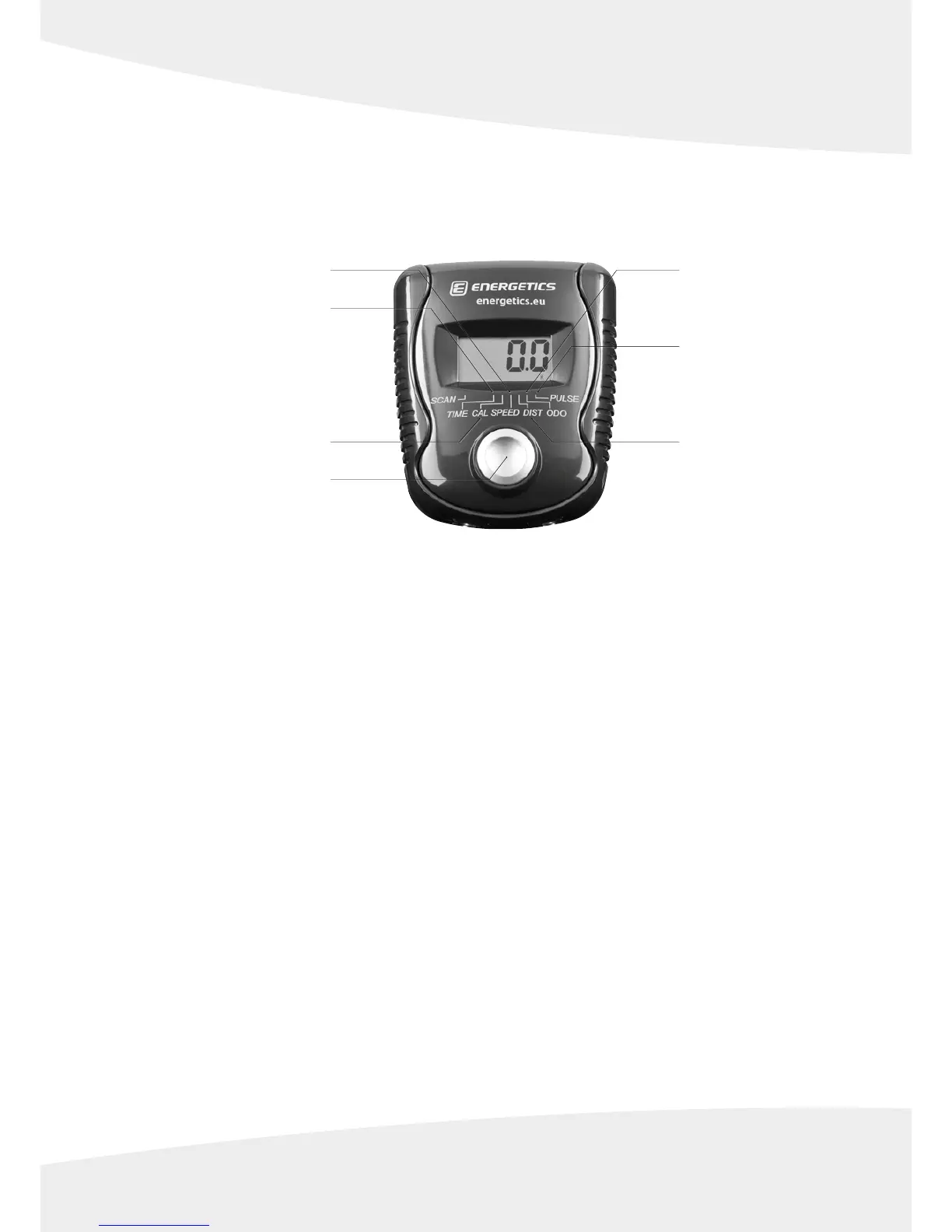
MODE
1. Press the button to scan through the values in the display (Time – Calories – Odometer – Pulse – Speed – Distance).
2. Press the button and hold for 2 seconds to reset all values to zero (except odometer).
Functions & Operations
Batteries Installation
Insert 1 piece AAA 1.5 V battery in the battery case on the back of monitor.
Whenever batteries are removed or replaced, all values will be reset to zero except for the odometer.
Auto On / O
While the user starts to do exercise, the display will show the workout value automatically. If the computer does not
receive a signal for more than 4 minutes the display will turn off automatically. All values are reset to zero except for
Time, Calories, Distance, Odometer.
SCAN / Auto Scan
After the monitor is switched on, the LCD will display all values such as Time – Calories – Speed – Distance –
Odometer – Pulse alternating every 6 seconds.
SP / Speed
Read out of the current speed in kilometres per hour, range from 0 – 99.9.


 To Next Page