11. My files ………………………………………..…..
You will have access to all audio and visual files stored in
Phone
or
Memory Card
in My files. You can access a number of items in
Phone or Memory Card with this option: Alarm, Audio, Photos,
Others, Video,
et
c.
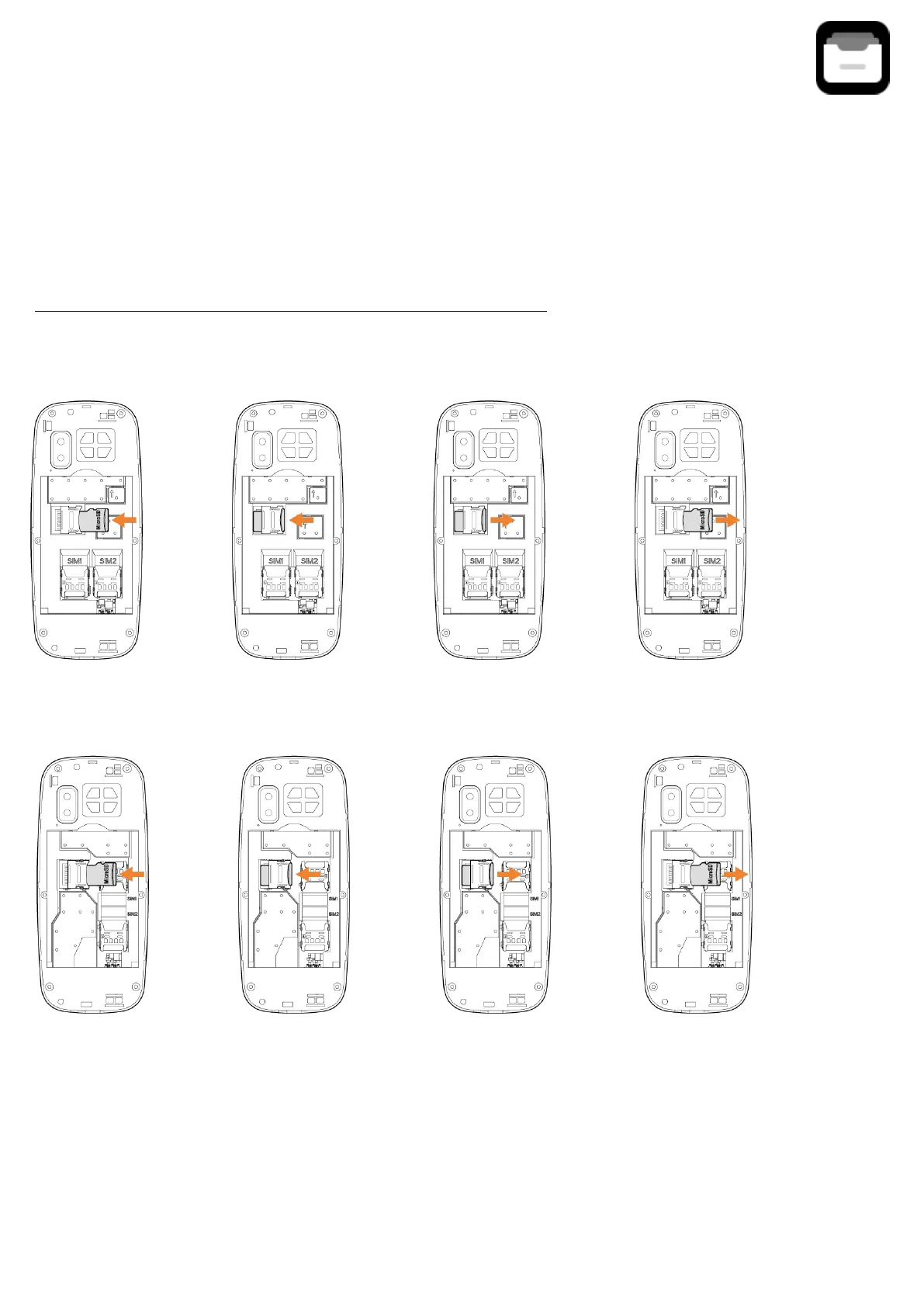
Inserting and removing the memory card:
E241
E241S
Place the microSD card with the chip facing downwards and slide it
into its housing. Make sure that it is correctly inserted. To remove the
card, press and slide it
out.



 To Next Page