9
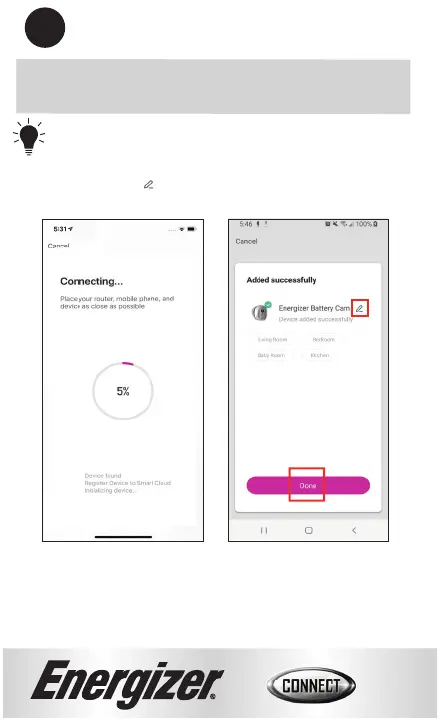
TIP: You can put your camera directly in a
room by selecting one of the available rooms.
Click buמּon to change the name of the
product.
9
Your Smart Baמּery Camera will now be connected
to the network.
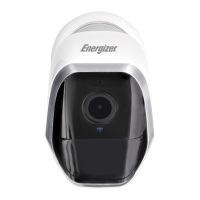
Your Energizer
®
Smart Baמּery Camera is now ready to use. You
can now view the camera remotely and receive mobile alerts. We
hope you enjoy using your Energizer
®
Smart Baמּery Camera.
For frequently asked questions and instruction videos, please
visit our website at www.energizerconnect.com.


 To Next Page