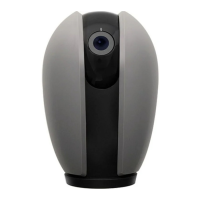
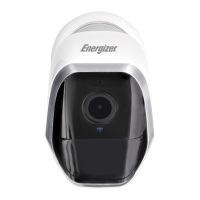
To enable voice access for your Smart Baמּery Camera, you will
need to link the Energizer
®
Connect skill with your choice of
voice assistant.
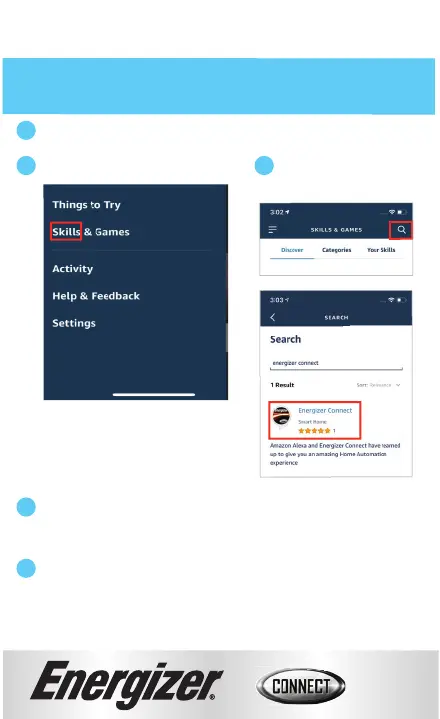
Search for & choose
Energizer
®
Connect.
Authorize your account with the Alexa skill using the username
and password from your
Energizer
®
Connect app.
Using the name you assigned your camera, you can ask Alexa to
turn on/off your camera.
Ex: “Alexa, show me the backyard camera”.
Voice Activation for Alexa
Make sure your Alexa device is installed and set up first.
Open your Alexa app.
Open the menu to search for “Skills”.
1
2
4
5
3
12


 To Next Page