Search for & choose
Energizer
®
Connect.
Voice Activation for the Google Assistant
Make sure your Google Assistant device is installed and set up first.
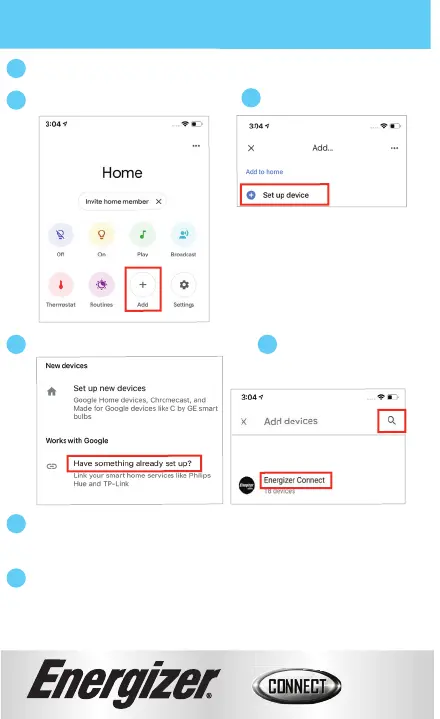
Open your Google Home app.
Search for & choose
Energizer
®
Connect.
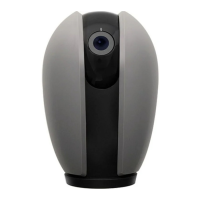
Using the name you assigned your camera, you can ask the
Google Assistant to turn on/off your camera.
Ex: “Ok Google, show me the backyard camera”.
Click “Have something already set up?”
3
5
1
2
4
6
7
Authorize your account with the Google Assistant skill using the
username and password from your
Energizer
®
Connect app.
Click “Set up device”.
Click the “+” to add a new device.
13


 To Next Page