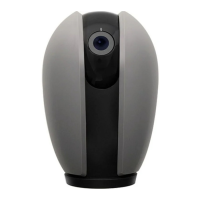
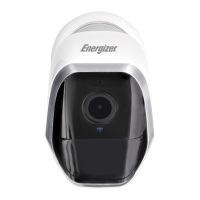
Photo
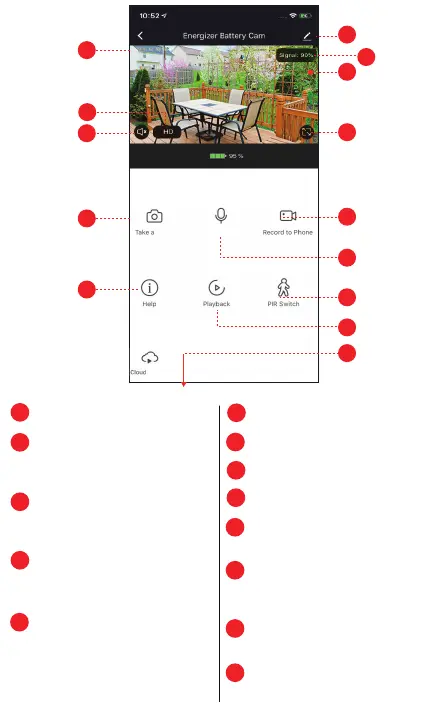
Tap to Speak
Camera Timestamp
Quality Switch: Toggle
between High
Definition (HD)
and Standard Definition (SD)
Audio Switch: Enable camera
audio so you can hear through
the camera
Take a Photo: Save a snapshot
of the current live video to
your smart device
Help
Device Seמּings
WiFi Signal Stregth
Recording Stamp
Full Screen Landscape View
Recording Playback Controls
(see next page for details)
Microphone Switch: Enable
the microphone so you can
speak through the camera
PIR: Set Motion Sensitivity
and Notification
Cloud Storage Options
(scroll down to view)
1
2
3
4
5
6
8
7
9
10
11
12
13
1
6
8
9
10
12
11
13
14
7
4
3
5
2
Live view
controls:
(Scroll down
to view)
Storage
14


 To Next Page