TECNOLOGIA WIRELESS
BLUETOOTH
®
Bluetooth
Bluetooth
ON
PowerBase
Devices
Connected
Settings
Bluetooth
Bluetooth
ON
PowerBase PowerBase
Devices
Not Connected
Settings
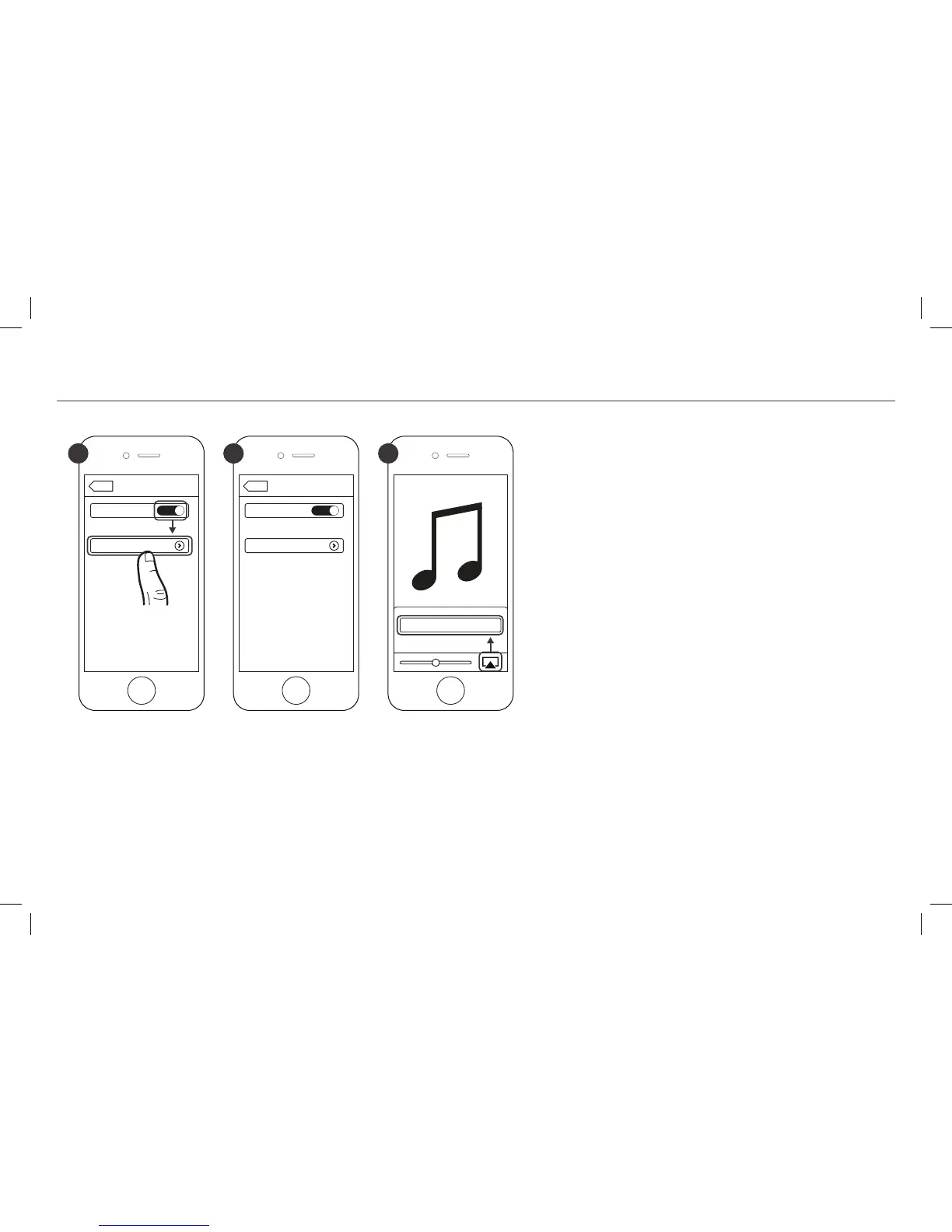
1 2 3
È possibile associare un dispositivo
Bluetooth
in
qualunque momento attivando
Bluetooth
sul dispos-
itivo stesso.
Dopo che si è associato il dispositivo
Bluetooth
, l’En-
ergy Power Base seleziona automaticamente l’ingres-
so
Bluetooth
(SPIA BLU ACCESA A LUCE FISSA) e si
può trasmettere in streaming la musica. Se si selezi-
ona un altro ingresso sull’Energy Power Base, la con-
nessione
Bluetooth
viene terminata automaticamente.
È necessario scollegare un dispositivo
Bluetooth
pri-
ma di associarne un altro, in uno dei seguenti modi:
• Tenendo premuto per 3 secondi il pulsante SORGEN-
TE sul pannello di controllo dell’Energy Power Base
• Disattivando
Bluetooth
sul dispositivo associato
• Premendo il pulsante
Bluetooth
sul telecomando
dell’Energy Power Base
*Solo a titolo esemplificativo. Lo specifico dispositivo può essere diverso.



 To Next Page