BLUETOOTH
®
WIRELESS TECHNOLOGY
Bluetooth
Bluetooth
ON
PowerBase
Devices
Connected
Settings
Bluetooth
Bluetooth
ON
PowerBase PowerBase
Devices
Not Connected
Settings
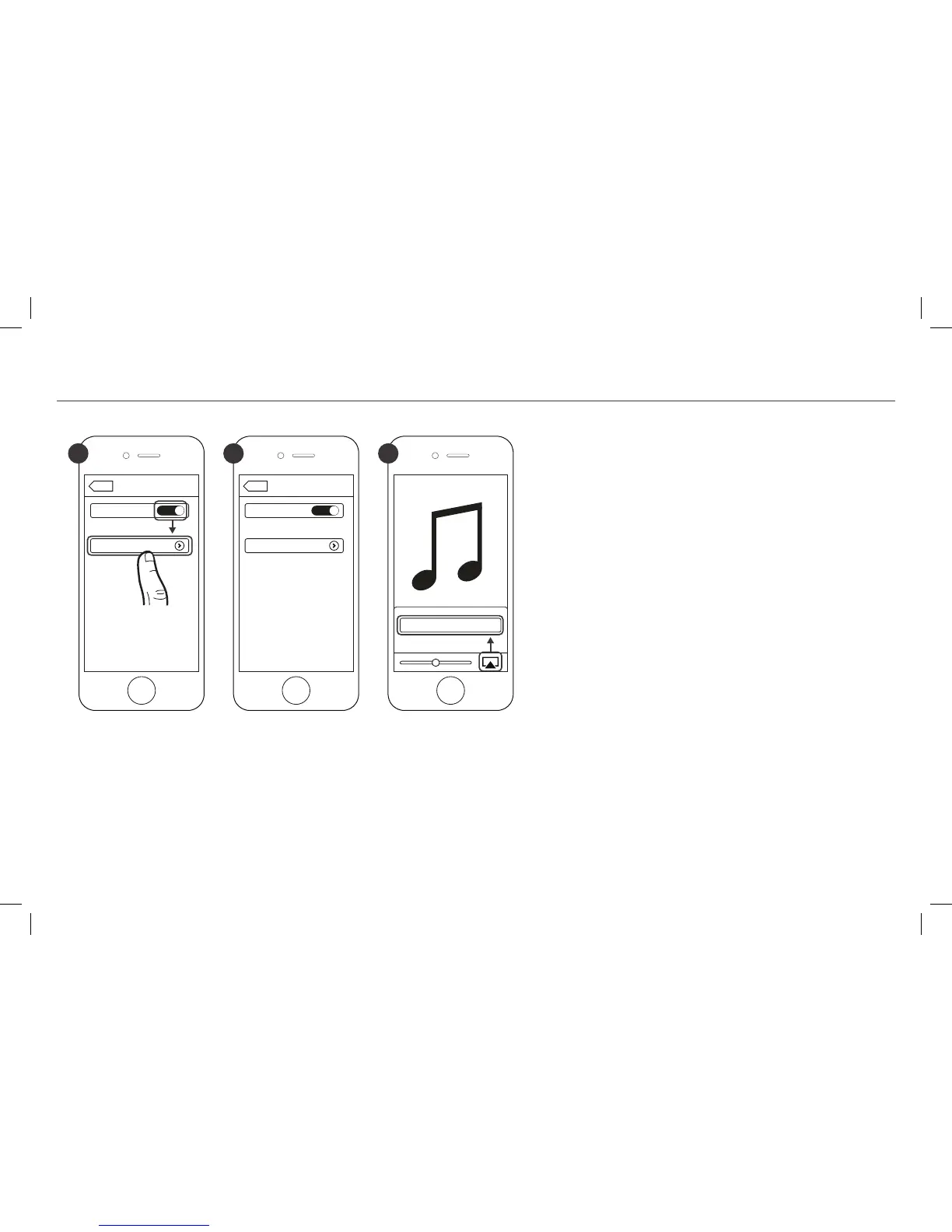
1 2 3
You can pair a device equipped with
Bluetooth
wireless technology at any time by activating it on
your device.
Once your device equipped with
Bluetooth
wireless technology is paired, the Energy Power
Base will automatically switch to the
Bluetooth
wireless technology input (SOLID BLUE LIGHT)
and you can stream your music. If you switch
inputs on the Energy Power Base, the
Bluetooth
wireless technology connection will automatically
be terminated.
You must disconnect your device before pairing
another device equipped with
Bluetooth
wireless
technology by either:
• Pressing and holding the SOURCE button on
the Energy Power Base control panel 3 seconds
• Turning off
Bluetooth
wireless technology on
the paired device
• Pressing the
Bluetooth
wireless technology
button (∞) on the Energy Power Base remote
*
Example only. Your device may differ.



 To Next Page