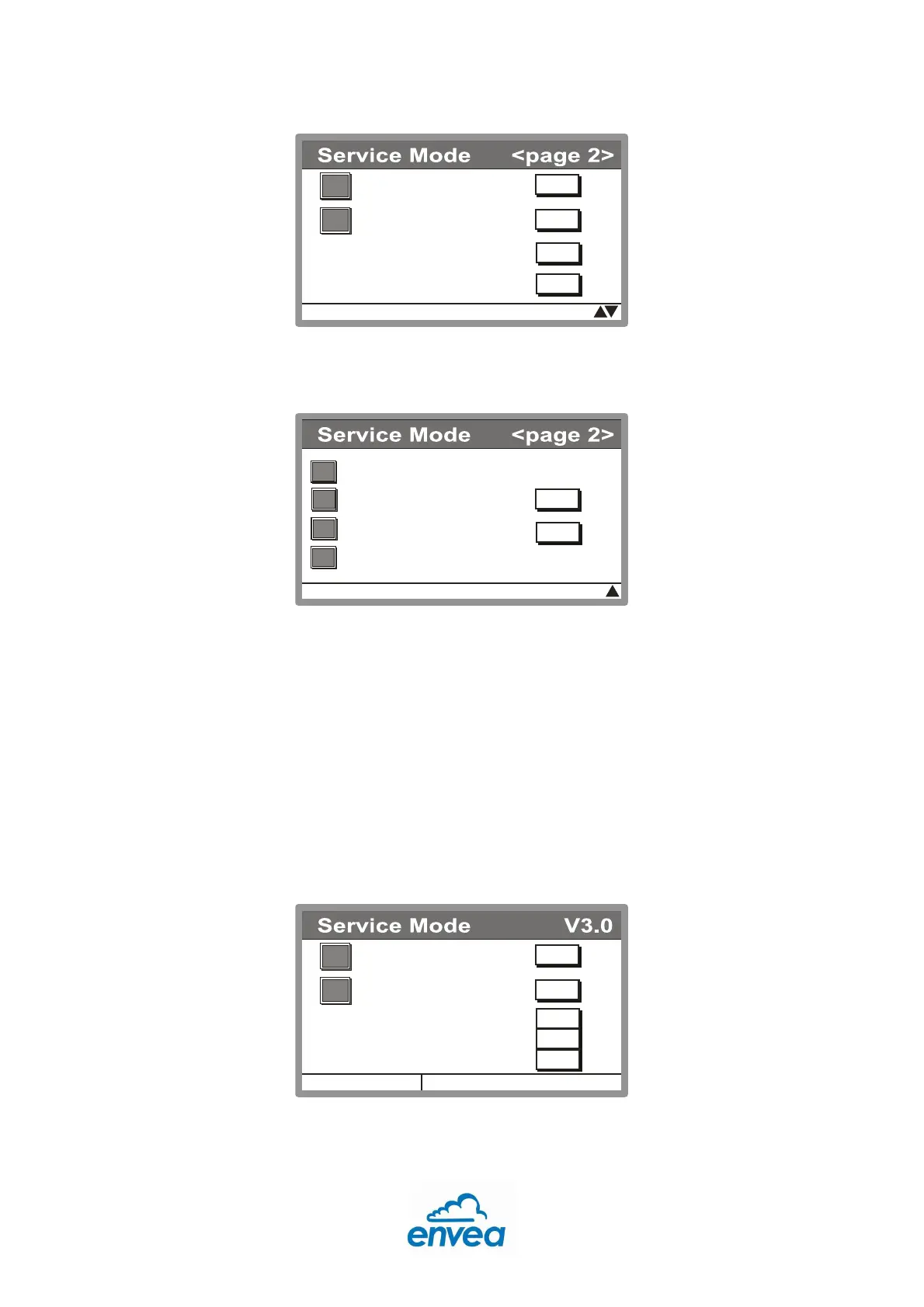
F1: The booster pump for the calibration gas can be switched on and off.
F2: The Status of the MC-3000 can be switched on and off
F1: The status output can be set to active opened or active closed.
F2: The temperature unit can be changed
F3: The pT-correction can be switched on and off
F4: The calibration function of the pressure sensor can be set here
6.3.1 Device Data
It is not recommended to make any changes in this menu.
By pressing F1 the dilution flow can be changed in the range from 2 to 9 l/min. Note by
changing the dilution flow the achievable concentration range of the calibrator changes. By
pressing F2 you can change the set calibration concentration. This is the value that will be
applied during manual operation. After pressing F2 the possible range is shown below the
“Set Cal. Conc.” text.



 To Next Page