8
3. Remote control:
Remove the cover of the battery compartment. Insert the 2 batteries supplied
(Type AA 1.5V).
4. Power:
Insert the power cord in the wall socket having an AC power supply.You can
see LED states at the front panel. If
the LED color is Green
, means the TV
set is power on. If the LED color is
amber, which means this TV set is
in
stand by state.
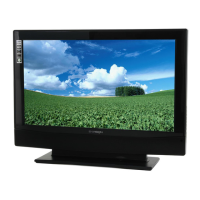
5. Turn on the TV:
Push the POWER key on the Remote control or the control knobs on right of TV.
The TV will be power-on and the user can see the display on the screen
after a
few seconds .
POWER key
English


 To Next Page
 Loading...