06 March 2019
2 Colour Guide
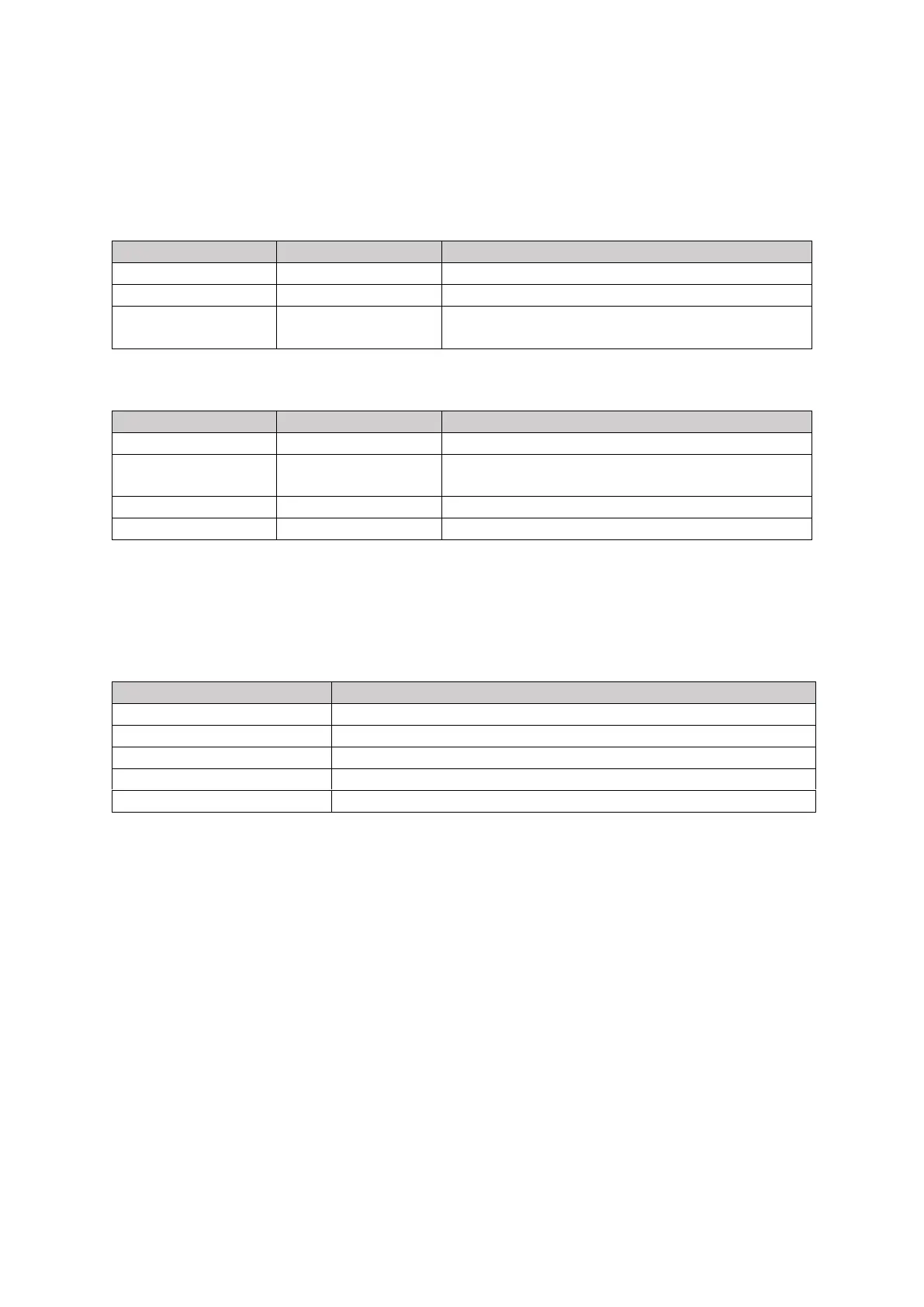
The LEDs should be interpreted as follows:
2.1 Power Up
When the unit is powered up the following sequence should be observed
2.3 Fault Conditions
The charging stations can detect certain fault conditions and when a fault condition is detected then
the LED flashes RED a certain number of times to indicate the nature of the fault. The fault codes
are:
The LED is latching. This means that as soon as a fault is detected, then the fault code is displayed on
LED until the end of the charging session. If the fault disappears during the charging session, then
the LED will continue to display the fault code so that the end user is aware that a fault has occurred.
The LED will only return to normal operation when the cable has been removed at the end of the
charging session. This is designed to indicate to the end user, whether a fault has occurred and
indicates a potential problem with the installation or might explain why the charging session was
interrupted.
Without this functionality, a fault might occur on the installation and disappear before the end user
can be notified.
2.3.1 What should I do if a fault occurs?
Remove the charging cable and verify the LED returns to normal operation (pulsing blue). If this
doesn’t clear the fault then power cycle the charging station by turning off and on the main circuit
breaker (RCD) to the station. If the fault persists then contact the installer as there is potentially and
installation issue that needs to be addressed.


 To Next Page
 Loading...