EasyManua.ls Logo

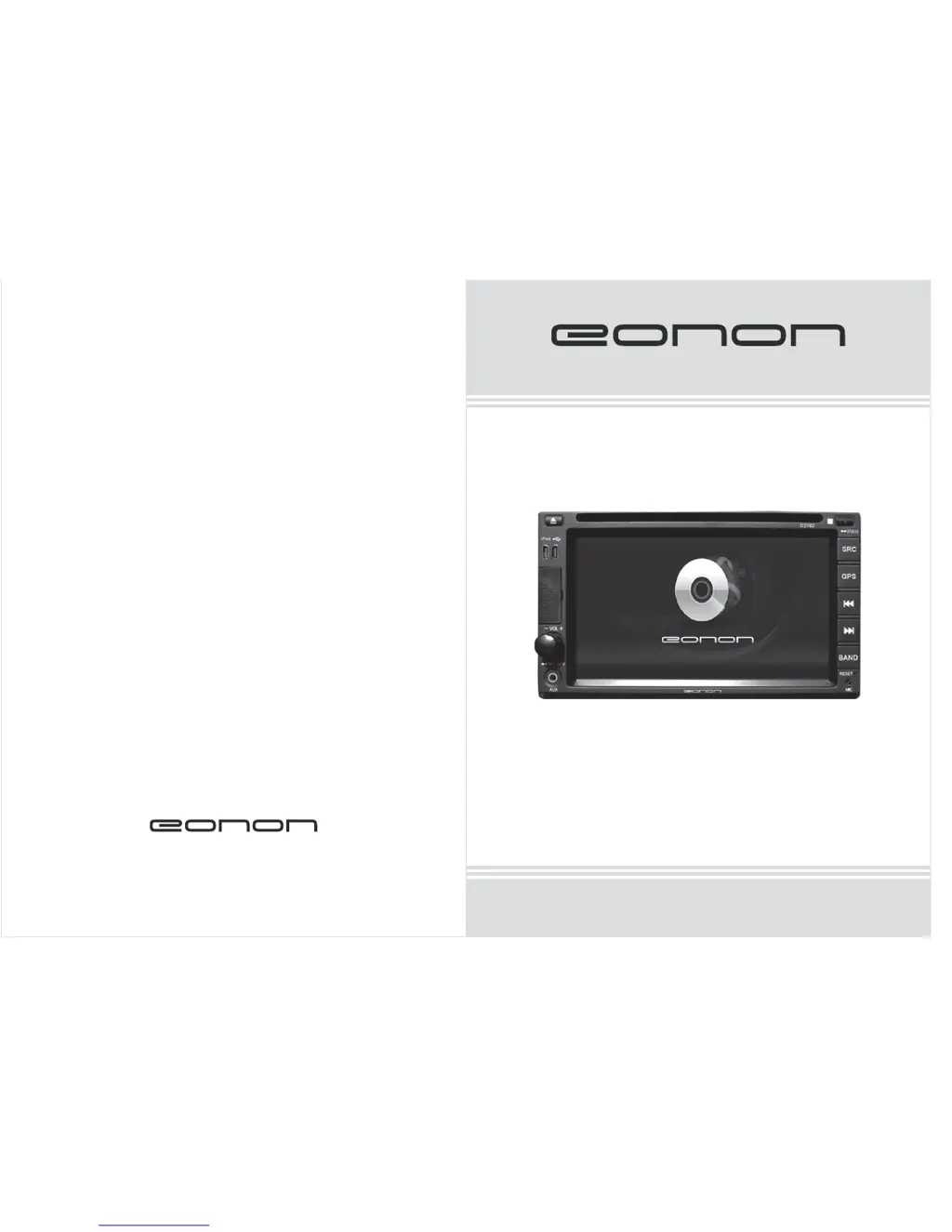
Eonon D2102 - User Manual

Eonon D2102
18 pages
Print Icon
To Next Page IconTo Next Page
Loading...
www.eonon.com
User Manual
Please read this manual before using and
save this manual for future reference.
Model:D2102

Questions and Answers

  • G
    ghudsonAug 12, 2025
    What to do if there is no image on my Eonon Car Video System?
    • S
      Sarah MartinezAug 12, 2025
      If your Eonon Car Video System shows no image, the video cable might not be connected correctly. Try reconnecting it to ensure a proper connection.
  • E
    Eric ChavezAug 16, 2025
    Why is the remote control not working on my Eonon D2102 Car Video System?
    • D
      Darrell MorganAug 16, 2025
      If your Eonon Car Video System's remote control isn't working, the batteries might be dead. Replace them with new batteries of the same type.
  • R
    Robert BryanAug 19, 2025
    How to fix radio noise on Eonon Car Video System?
    • J
      Joanna DawsonAug 20, 2025
      If your Eonon Car Video System has big radio noise or no programs, the antenna may not be correctly installed, or the cable connection might be poor. Check the connection of the radio auto antenna control line ANT. Also, re-check the connection of the antenna and the ground wire.
  • C
    Cynthia SmithAug 25, 2025
    Why does my Eonon D2102 Car Video System lose settings after power off?
    • R
      Rachel MaloneAug 25, 2025
      If your Eonon Car Video System loses all settings after being turned off and on, it could be due to incorrect wiring. The positive wire BATT might be wrongly connected to the ignition wire ACC. Reconnect it correctly.
  • S
    Sandra HansenAug 27, 2025
    How to fix Eonon Car Video System when it does not power on?
    • J
      Jonathan MartinAug 27, 2025
      If your Eonon Car Video System fails to power on, the fuse might have blown. Replace the burned fuse with a new one of the same capacity. Alternatively, a micro-processor malfunction might be the cause. In this case, press the “RES” button to restart the unit.
  • M
    Megan WatkinsAug 31, 2025
    What to do if disc can not be put in Eonon D2102?
    • C
      crystal26Aug 31, 2025
      If your Eonon Car Video System won't let you insert a disc, it's possible there's already one inside. Press the button to eject the current disc before inserting a new one.
  • O
    ortegaalishaSep 4, 2025
    Why can't my Eonon D2102 Car Video System play the disc?
    • O
      ocoxSep 4, 2025
      If your Eonon Car Video System isn't playing the disc, the disc might be scratched, so try changing to a new one. Check that the disc is placed correctly with the logo facing up. The laser head could be dirty, so clean it with a laser head cleansing disc.
  • S
    Shawn EdwardsSep 8, 2025
    Why is the language/title switch unavailable on my Eonon Car Video System?
    • A
      Alex PetersSep 8, 2025
      Language/title switch is unavailable for discs with only one language and one type of title.

Summary

Warning

Precautions

Functions and Features

Disc Play

Supported disc formats and playback features.

USB & SD Card Player

USB/SD card media support and formats.

Troubleshooting

Remote Control Operation

Basic Functional Operation

Play Source Selection

Choosing playback sources.

Operation System Settings

Steering Wheel Control Button Controlling

Touch Screen Calibration

Backing Rearview Function

Keying Operation

Panel Key Operation

Detailed explanation of all panel keys and their functions.

Remote Controller Operation

Radio Tuner

System Setting

Eonon D2102 Specifications

General IconGeneral
BrandEonon
ModelD2102
CategoryCar Video System
LanguageEnglish

Related product manuals