EasyManua.ls Logo

Epic Sogemcom CS 50001 - User Manual

Epic Sogemcom CS 50001
10 pages
Print Icon
To Next Page IconTo Next Page
Loading...
Epic WiFi
Extenders
Guide

Questions and Answers

Summary

Selecting the best location

Optimal Placement Dos

Position halfway between trouble area and modem, aiming for a good Link LED status (green).

Placement Donts

Avoid confined, soft, or outdoor locations. Monitor Link LED (orange=ok, red=poor, no signal).

Companion Mode Setup

Standalone Mode Setup

WiFi Extender Troubleshooting

Troubleshooting Basics and LED Indicators

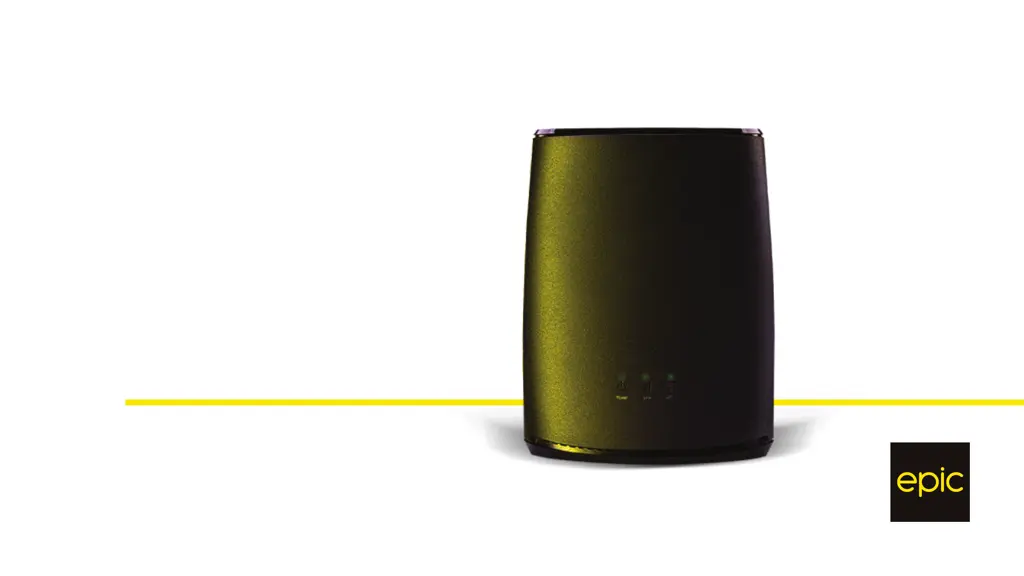
Power LED solid green. Link LED solid (green/orange/red, green best). Wi-Fi LED solid green. Diagram explains LEDs.

Specific Troubleshooting Scenarios

Troubleshooting specific LED states: device update, waiting to pair, connection issues, lost connection.

Epic Sogemcom CS 50001 Specifications

General IconGeneral
CategoryExtender
ModelCS 50001
Maximum Speed300 Mbps
Ports1 x Gigabit Ethernet
SecurityWPA, WPA2