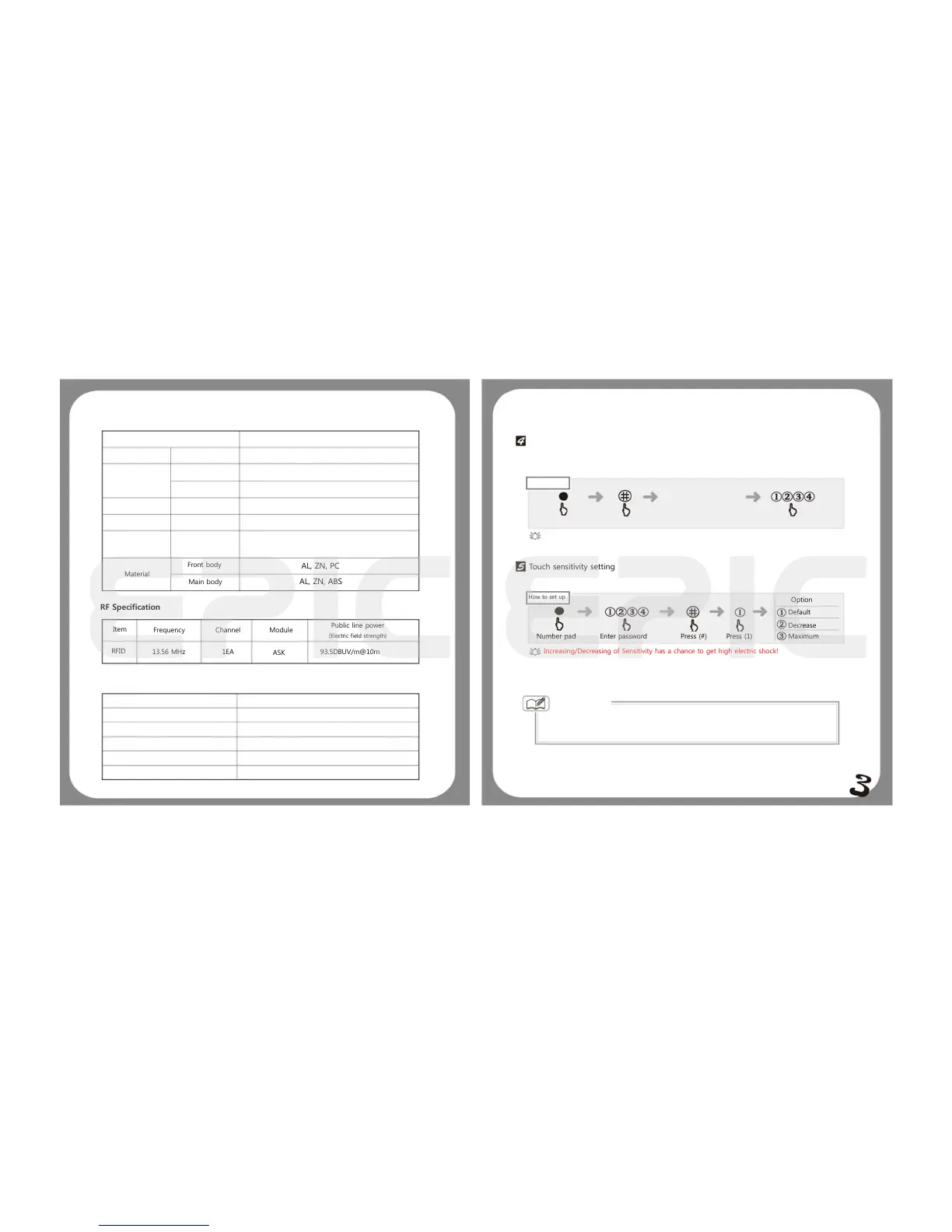
Product Specification
Items
Installation conditions
Door thickness
Authentication
Method
No. of pin
No. of registerable
Key tags
Power supply
Emergency supply
Temperature
Material
DC 6V
DC 9V
Sensor temperature
Main body
Descriptions
35~50mm
4~12 digits
30 ( sold separately)
LR 6 AA ALAKALINE (X4) EA
ALKALINE BATTERY (SOLD SEPARATELY)
72℃±5℃ Maximum Temperature
62℃±5℃ Normal Temperature
RF Specification
Item
Frequency Channel Module
Public line power
(Electric field strength)
1EA
Cross party certified
Unit name
Model name
Certification number
Manufacturer/ Country of origin
Date of manufacture
Epic systems
13.56 MHZ RFID/ USN wireless
Epic touch
KCC-CRM
OEM EPIC SYSTEMS/ SOUTH KOREA
2012
93.5DBUV/m@10m
Changing password and Pin registration Method
Can be shown in our own website at www.globalepic.net
How to set up
Option
Default
Decrease
Maximum
Increasing/Decreasing of Sensitivity has a chance to get high electric shock!
Touch sensitivity setting
This feature is for 1 time setting only
The number pad is flickering
Enter password
Mute Setting
When you want to temporarily set into silence mode follow the steps written below.
Epic Touch User Guide
AL, ZN, PC
AL, ZN, ABS
ASK
RFID
13.56 MHz
when the silent mode is set


 To Next Page
 Loading...