1
Make sure a Wi-Fi connecon is
available. We recommend using a
Google Account (or Gmail) with
your tablet if you do not have one.
This guide will help you sign up for
a free Google Account.
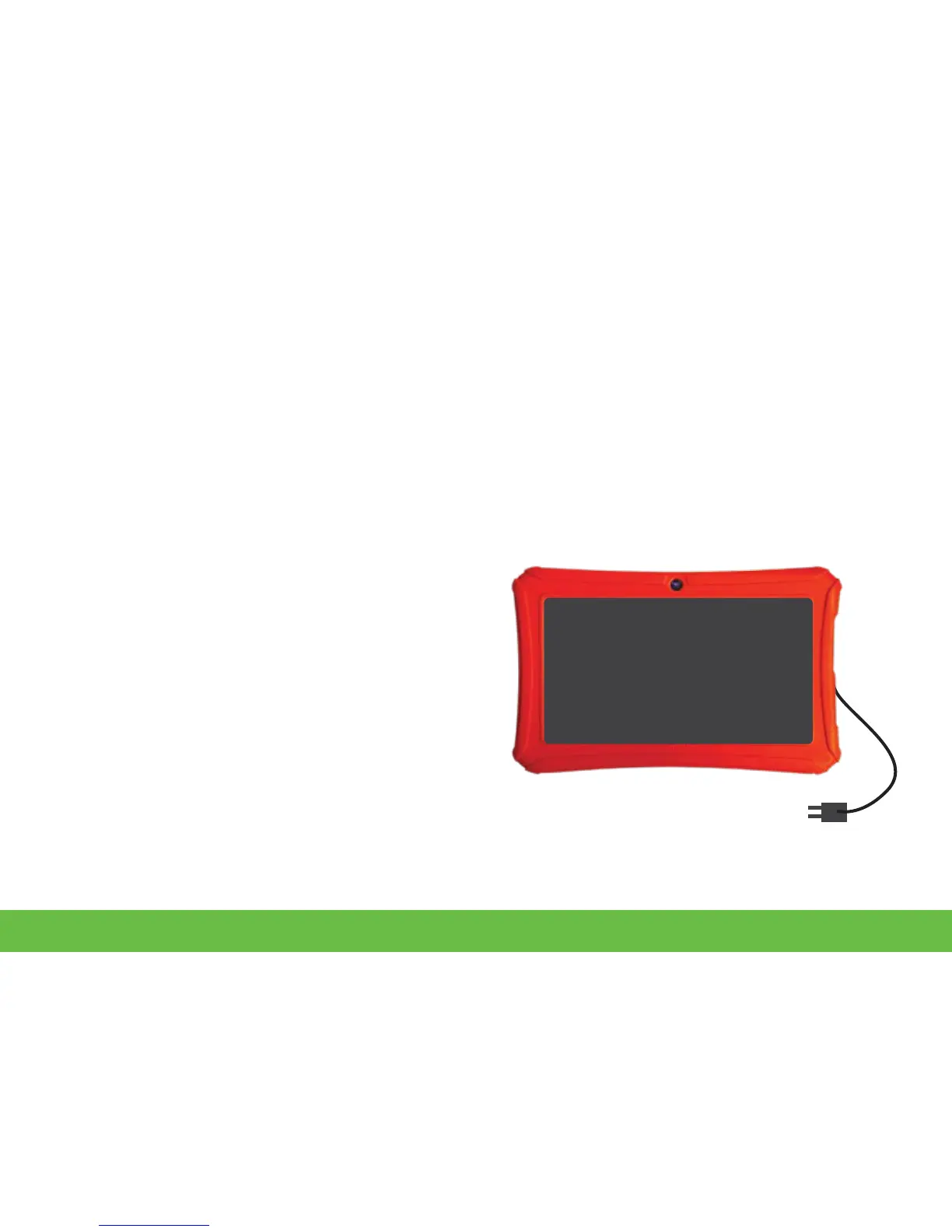
1. Before first use, we recommend
charging the tablet for 6 hours.
2. Plug in the included AC adapter.
3. Connect the USB cable from the
AC adapter to the tablet.
Charging
Before Starng



 To Next Page