12How to use – the basics
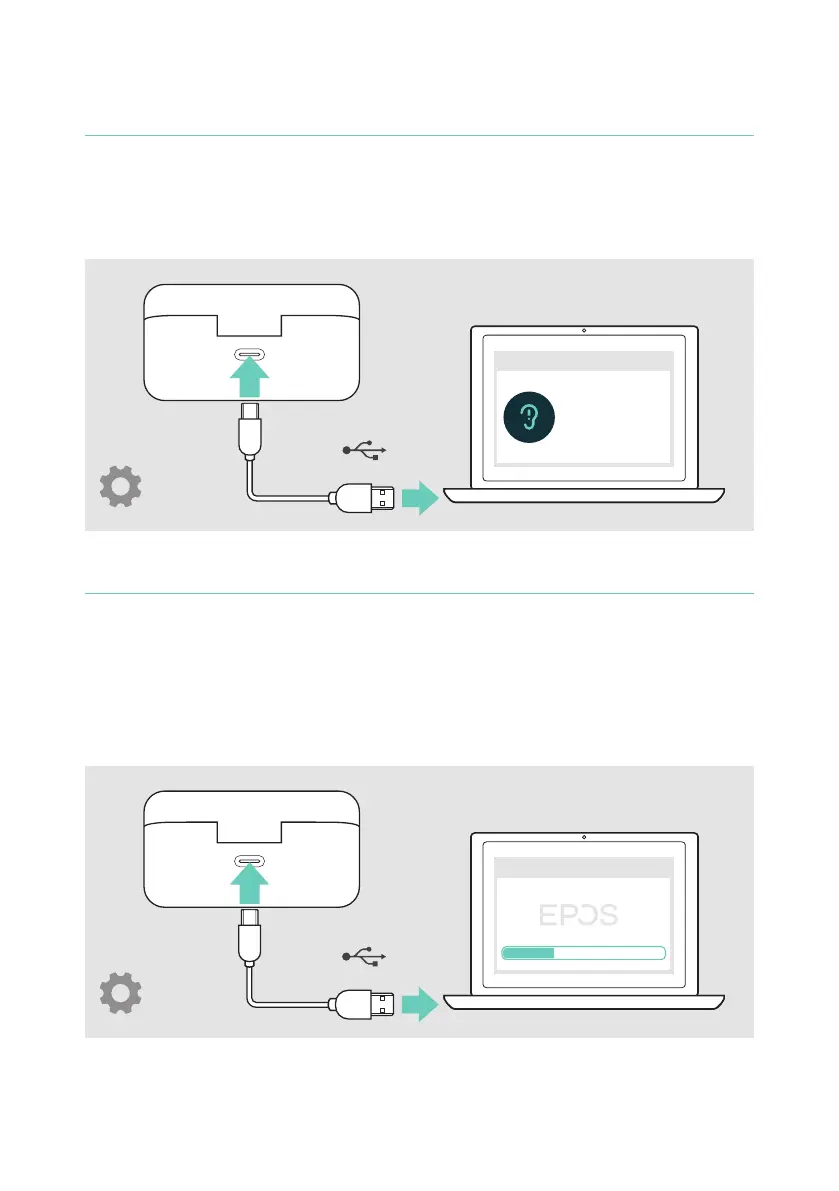
Changing the voice prompts language
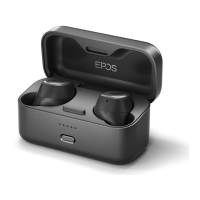
1 Have both earbuds in the closed charge case�
2 Connect the USB cable to the charge case and your computer�
The LEDs light up�
3 Start the EPOS Gaming Suite and change the language in the settings�
x
Gaming Suite
English
Deutsch
....
USB-A
Updating the rmware
1 Have both earbuds in the closed charge case�
2 Connect the USB cable to the charge case and your computer�
The LED lights up�
3 Start the EPOS Gaming Suite�
If there is a new rmware available the software will guide you through the
update process�
x
Gaming Suite
USB-A


 To Next Page