How to Wear
1. Please choose the suitable size ear tips to fit your ears
2. Please adjust your earbuds directions to fit your ears
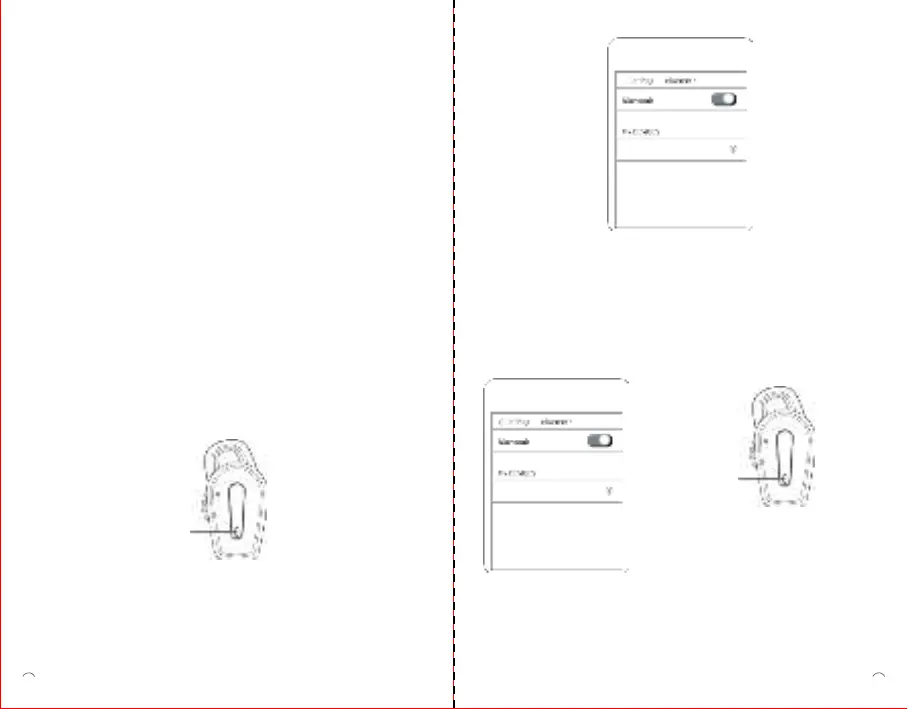
1. How to Pair
(1)Take out the earbuds from the packaging and put them into the
charging case
(2) After 5 seconds, take out the earbuds from charging case.
The earbuds will automatically enter bluetooth pairing (one white
Led quickly flashes, the other one flashes per 5 seconds)
(3) Select Cute meet 600 under bluetooth menu on your device.
The bluetooth pairing is successful.
Manual Power On
Power off
-Put earbuds into charging case.
-No connection within 3 minutes.
Indicator Light
Cute meet 600
Indicator Light
(4) Connect to one new device
When you want to connect to a new device, please turn off the
Bluetooth connection between your earbuds and the current device.
The one earbud white Led will quicky flash, then you select and
connect to “Cute meet 600”on the Bluetooth connection interface
of your new device.
2. Touch Control
Power on
-Take out earbuds from charging case
Cute meet 600
-Long press the touch button 2 seconds.
03 04


 To Next Page