3
IMPORTANT:
Before first use, make sure the hand vacuum is fully charged.
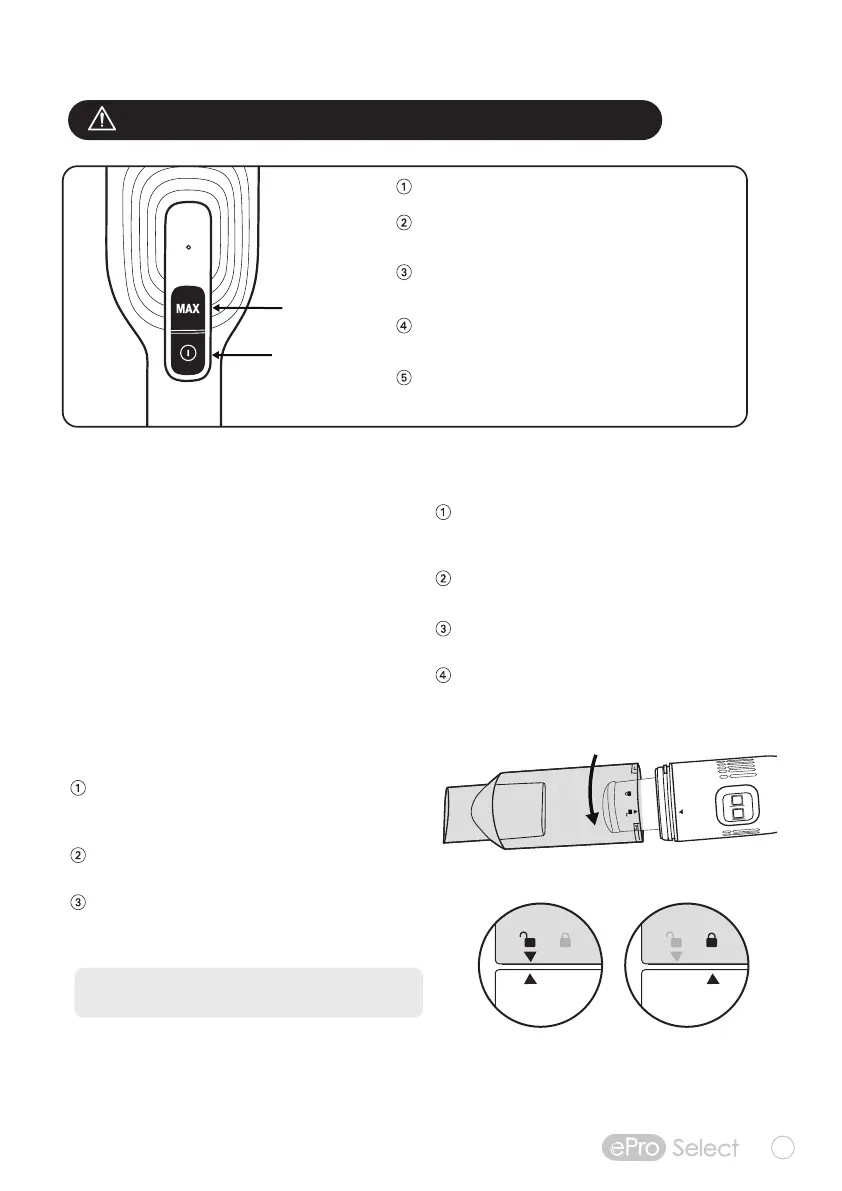
Press the Power button to start and stop cleaning.
Power ON is automatically set to STANDARD
Mode for longer lasting power. Press MAX to
select POWER BOOST Mode for extra suction as
needed.
Run the tapered nozzle over the surface area
to be cleaned.
Choose the multi-use fabric brush for cushions,
pillows, fabric surfaces, and keyboards.
Use the crevice tool for small spaces, corners,
car seats, and tight spots.
STANDARD
Mode
POWER
BOOST
Mode
Cleaning and Maintenance
To clean the metal screen and filter assembly,
twist to remove and tap remaining dirt into a
garbage can.
Rinse the metal mesh filter screen with warm or
cold water and dry thoroughly before reinstalling.
Separate the HEPA filter from the assembly
and hand-wash with water only. Allow to air dry
for 24 hours before reinstalling.
NOTE: Do not wash any parts of the vacuum
or accessories in dishwasher.
Emptying Dust Bin
With the power off, flip the hand vacuum to see
the underside. You will see LOCK and UNLOCK
embossed icons.
Turn dust bin counter-clockwise until you align
the two arrows to the UNLOCK position.
Pull dust bin away from main unit and carefully
empty contents into a trash container.
To replace dust bin, align the two arrows to the
re-insert the dust bin into main unit and turn
clockwise to secure dust bin into LOCK positon.
OPERATING INSTRUCTIONS
Using the Interchangeable
Attachments
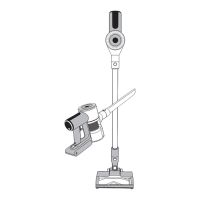
•Hand Vacuum features a built-in
all-purpose nozzle for multiple surfaces
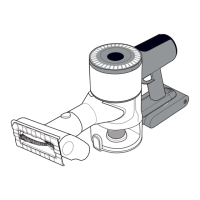
• Attach the Crevice Tool for hard-to-reach
areas and corners
• Attach the Soft Brush/Fabric Tool for more
delicate surfaces, fabrics, and upholstery
UNLOCK Position
LOCK Position



 To Next Page