Projector Connections
Epson Projectors
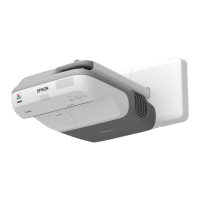
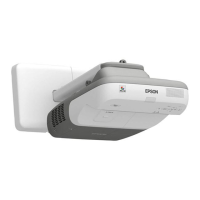
Mounted Epson Projectors are all connected using HDMI or VGA, and USB cables. The
following diagram displays how to access the connection terminals on the 5 primary Epson
Brightlink Interactive Projectors serviced by GCS. (450, 455, 485, 585, 685)
To access projector connection terminals, remove the housing cover located on the side of the
device.
Brightlink Models
Projector Housing Removal Projector Connection Terminals
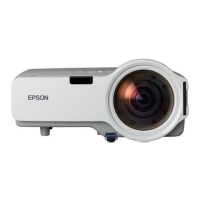
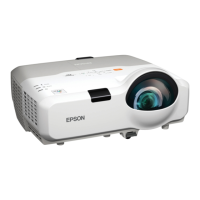
Power lite Models
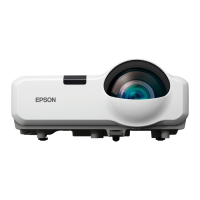
Other Epson mounted projectors include the Power lite 97, 97H, 107, and 530. The connection
terminals for these projectors are located on the back of the device.






 To Next Page