Projector Connections
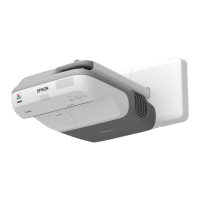
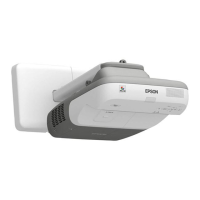
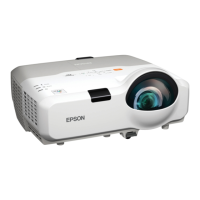
Epson BrightLink 450/455
Interactivity and Annotation
Users may control the computer with the interactive pens. The Epson Interactive Pen can be
likened to a “wireless mouse” in the sense that whatever a user can do with a mouse, he/she can also
do with the interactive pen. This is known as “Interactive Mode”. The other function of the pen is
“Annotation Mode”. In this mode, the user can annotate over images and text projected from the
computer or document camera.
Using the Pens
The pens should activate automatically when the projector is powered on. The pen begins in
“Interactive Mode”. When placing the pen against the whiteboard, the curser should be sync to the pen
tip and follow the user’s movement. To switch to “Annotation Mode”, follow the instructions below.
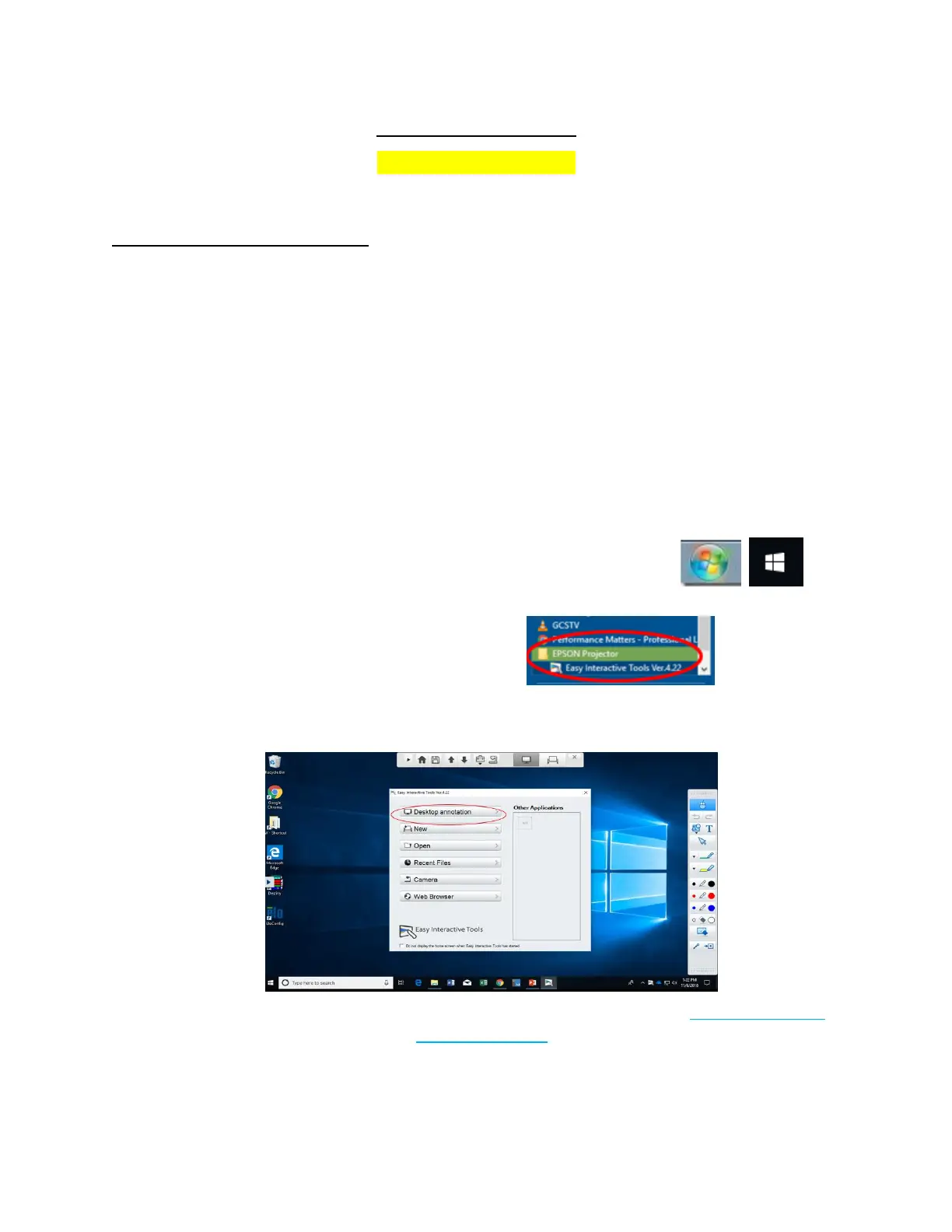
To access the Interactive Tools follow the instructions below:
1. Go to the Start Menu at the bottom left-hand corner of the screen.
2. Search for/Select the Epson Projector Folder.
3. Open the Interactive Tools Software.
4. When the Interactive Tools Software is open, the user can annotate (Annotation Mode)
as well as control the computer (Interactive Mode) with the interactive pen. For detailed
instructions on using the Interactive Tools, users should be directed to contact the AV
Department of Technology Services.






 To Next Page