Projector Connections
Interactivity and Annotation (585wi & 685wi)
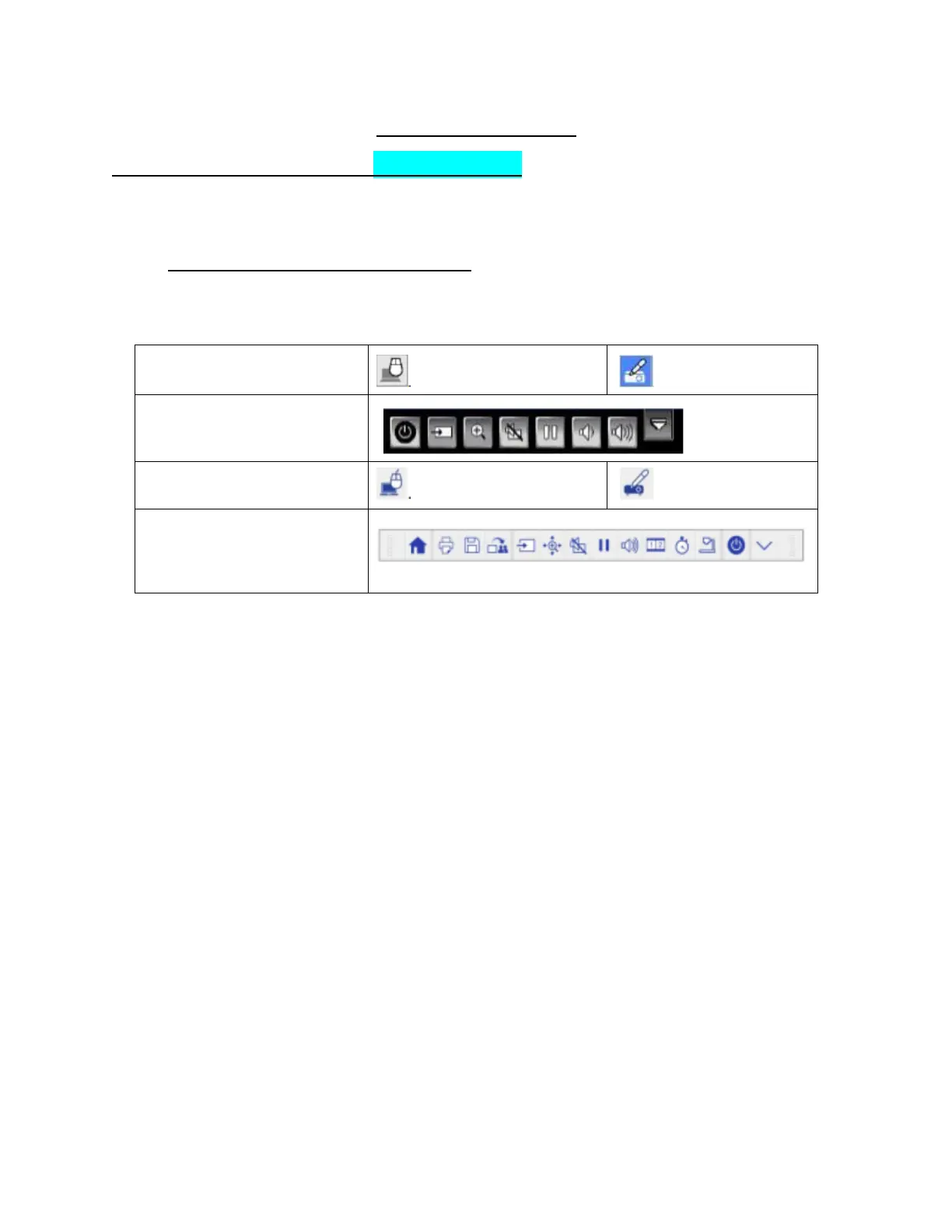
When the projector is connected to a computer, the interactive function is automatically selected. The
user will be able to control the computer (interactive mode) via the pen.
Built in Interactive/Annotation Toolbar
1. When the Interactive pen(s) are within the “Active Area” of the projector, the Interactive Toggle
Button and the Projector Control Toolbar will automatically appear on the whiteboard.
2. A user can transition between Interactive and Annotation modes using the Interactive Toggle
Button.
To maneuver through the optional projector functions, a user may use the interactive pen(s) to select a
desired action. The 585wi and 685wi have some similar optional functions available on the respective
toolbars. However, the 685wi has more functions available.






 To Next Page