209
Caution: Do not place tape on the white flat cable inside the product; otherwise, you may damage
your product.
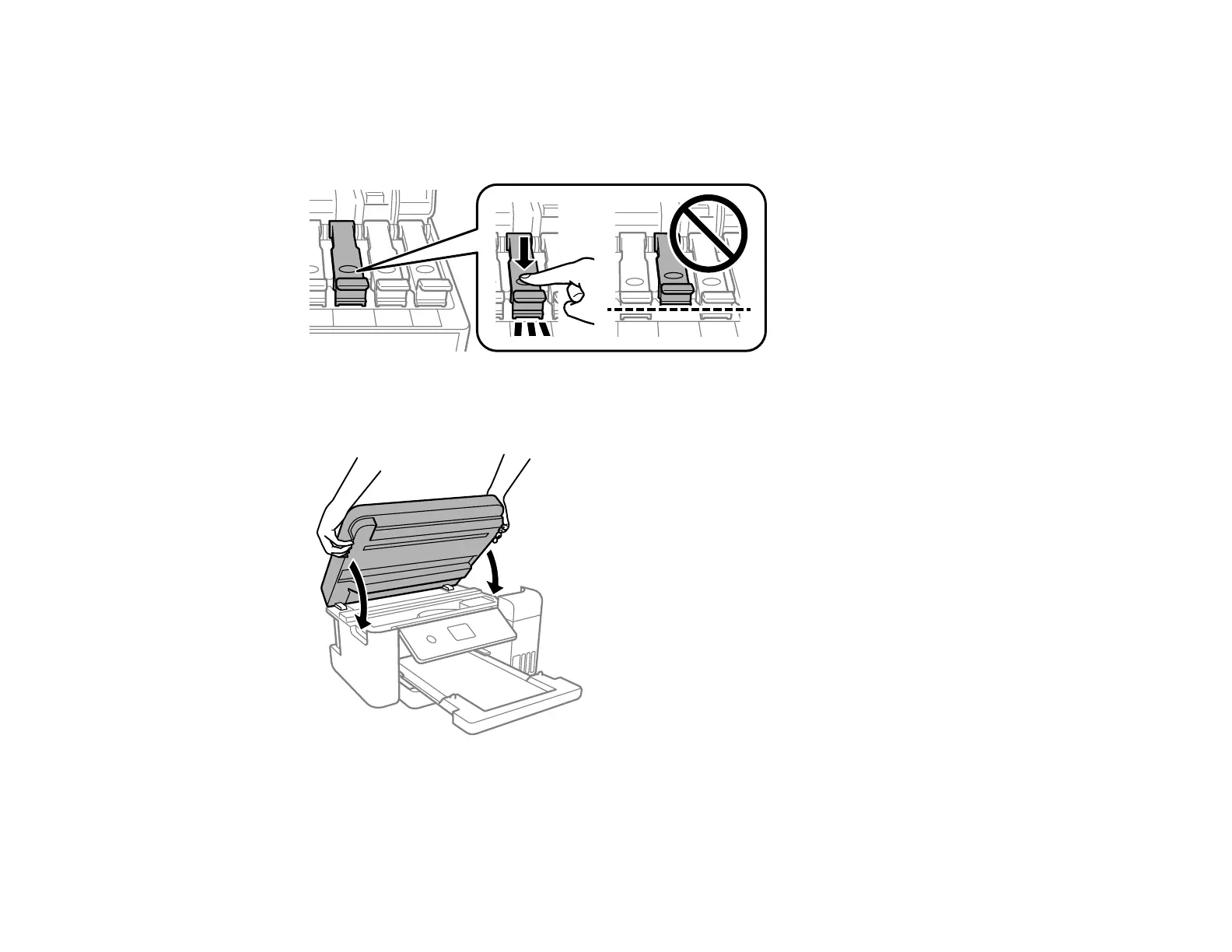
8. Make sure the ink tank caps are securely closed and close the ink tank cover.
9. Lower the scanner unit using both hands.
Note: The scanner unit is designed to close slowly and resist a little as a precaution against injuring
your fingers. Continue to close the scanner unit even if you feel some resistance.



 To Next Page