• Windows (other versions): Click or Start, and select All Programs or Programs. Select
EPSON Software, then select Document Capture Pro.
• OS X: Open the Applications folder, select the Epson Software folder, and select Document
Capture.
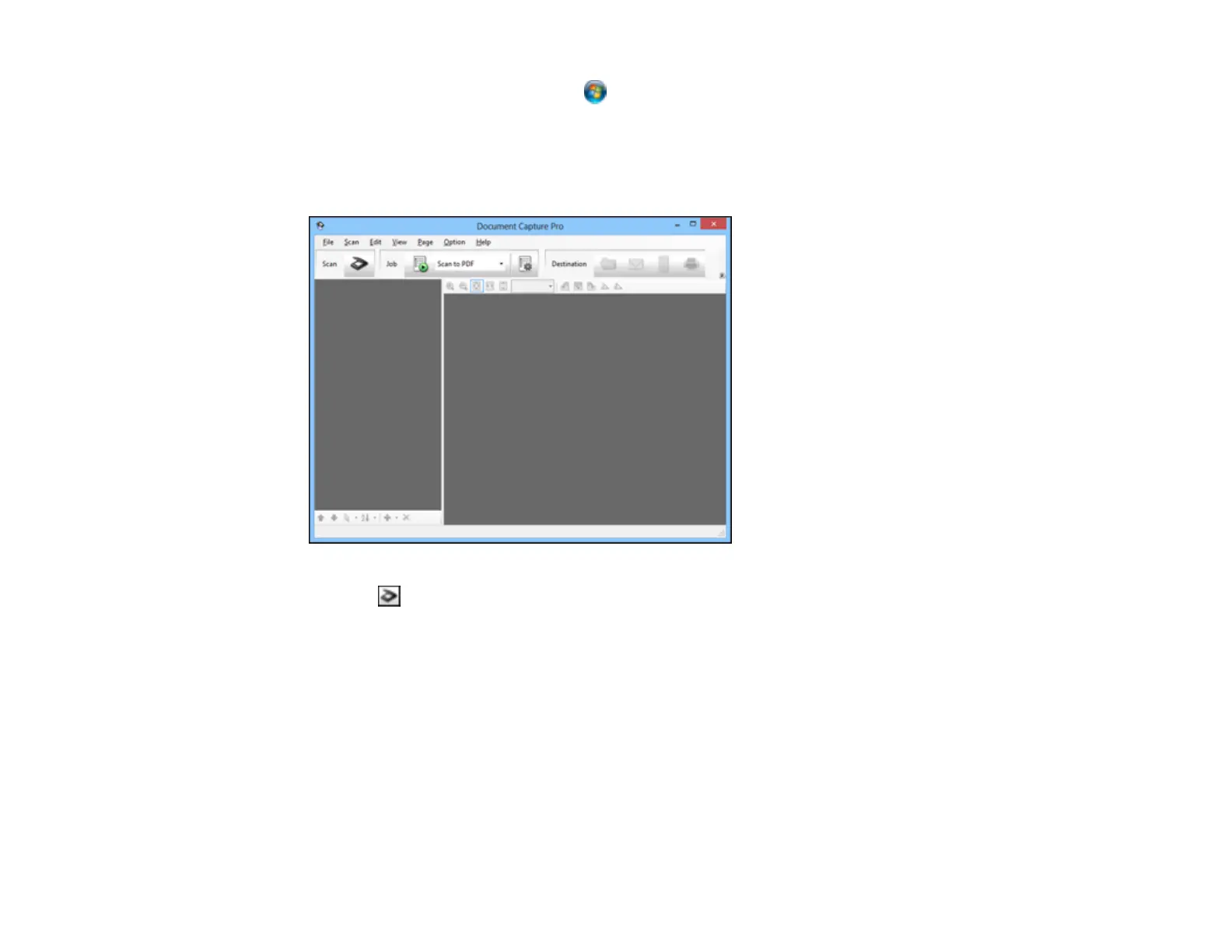
You see a window like this:
2. Click the Scan icon.
3. Select any displayed scan settings you want to use.
Note: See the Help information in Document Capture Pro or Document Capture for details.
4. Click Scan.
You see a preview of your scan in the Document Capture Pro or Document Capture window.
50



 To Next Page