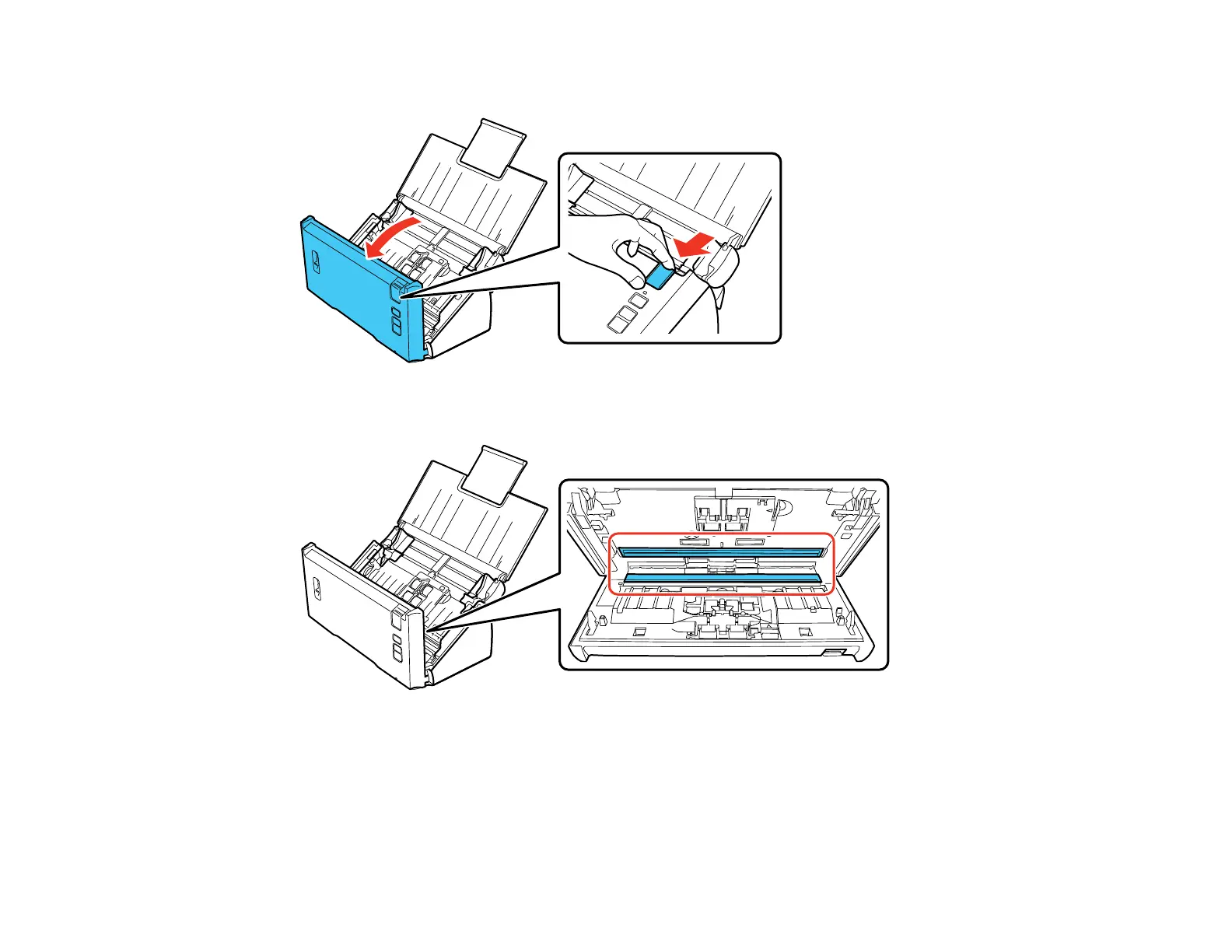
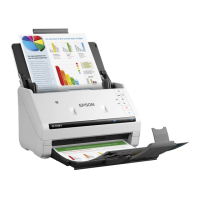
4. Pull down on the cover open lever and open the scanner cover.
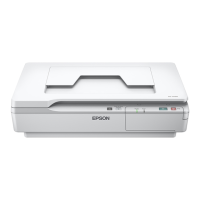
5. Wipe off any stains on the glass scanning surfaces using a soft, dry cloth.
Note: If the glass surfaces are stained with grease or some other hard-to-remove material, use a
small amount of glass cleaner on a soft cloth to remove it. Wipe off all remaining liquid.
Caution: Do not spray glass cleaner directly on the scanning surfaces. Be careful not to place too
much force on the glass.
74



 To Next Page