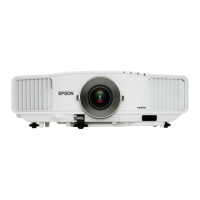
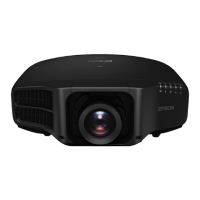
Ace your presentations
with bright and fl awless images
The EB-G5000 series harnesses Epson’s latest 3LCD technology to
deliver bright, high quality, graphics-rich multimedia presentations in
brilliant colors.
MULTIMEDIA PROJECTOR
EB-G5500/G5600/G5650W/G5800/
G5900/G5950/G5450WU/G5750WU
• Superb projection quality
High resolution, high contrast and fl awless images to enhance any presentation
• More interactive presentations
Increase the impact of your presentations with an array of convenient functions
• Advanced monitoring and control function
Allows for single point remote monitoring for greater effi ciency
• Easy installation
Expansive lens shift range allows fl exibility for installation in any preferred location
• Easy maintenance
Lamps and fi lters can be replaced with ease, saving maintenance time and effort

 Need help?
 General

 To Next Page