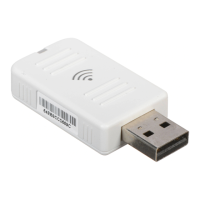
2. Insert the flash drive into the USB-A port.
Note: Connect the flash drive directly to the projector. Do not use a hub.
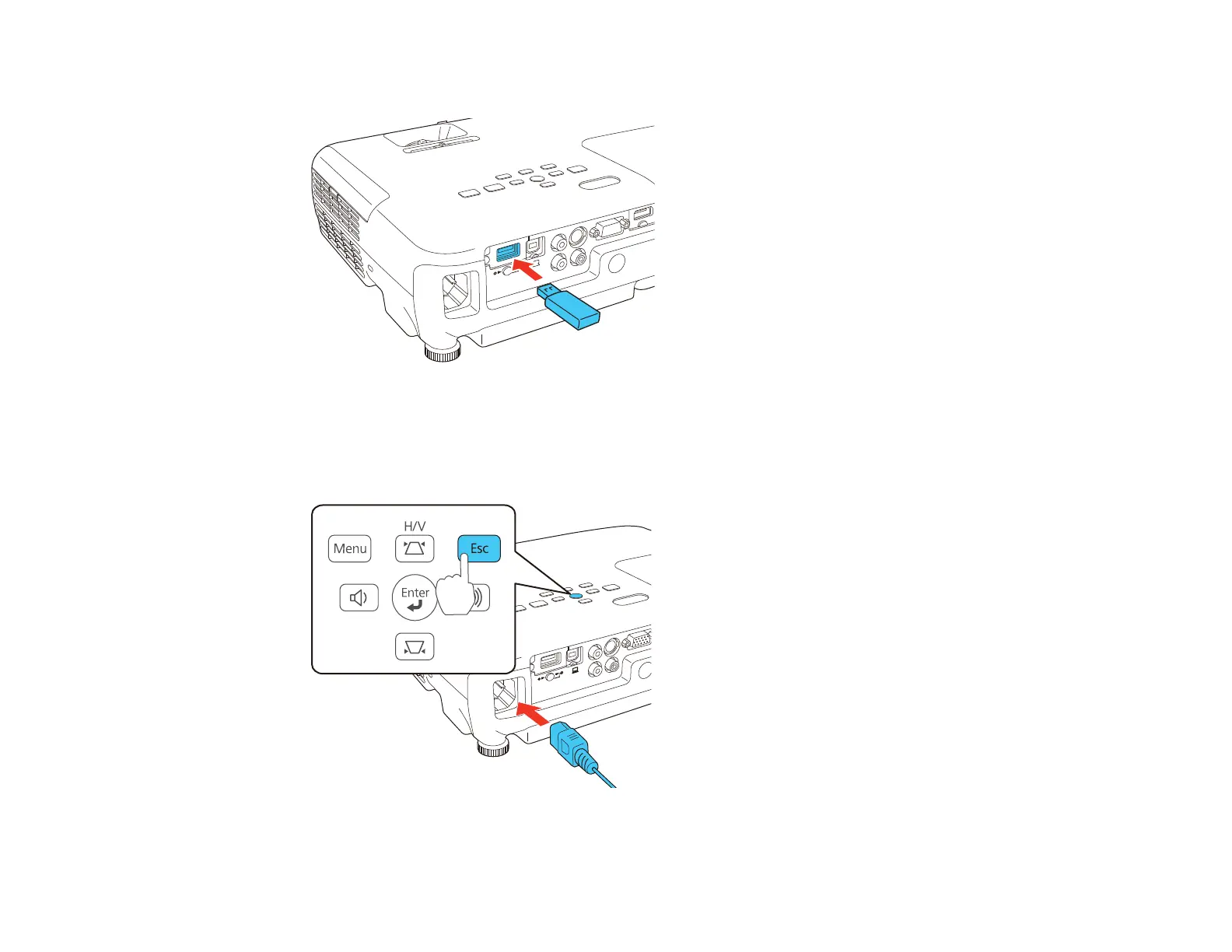
3. Press and hold the Esc button on the control panel or remote control as you connect the power cord
to the projector's power inlet.
4. When the power, Status, Lamp, and Temp lights turn on, release the Esc button.
107



 To Next Page
 Loading...