22
Parent topic: Using the Control Panel
Setting a Password and Locking the Control Panel
You can set an administrator password to lock the following settings and prevent them from being
changed:
• Network settings
• Web Service settings
• Scan settings
• System Administration settings
• Fax settings
• Web Config settings
• EpsonNet Config settings
Note: For more information on administration settings, see the Administrator's Guide.
1. Press the home button, if necessary.
2. Select Settings > General Settings > System Administration > Security Settings > Admin
Settings > Admin Password > Register.
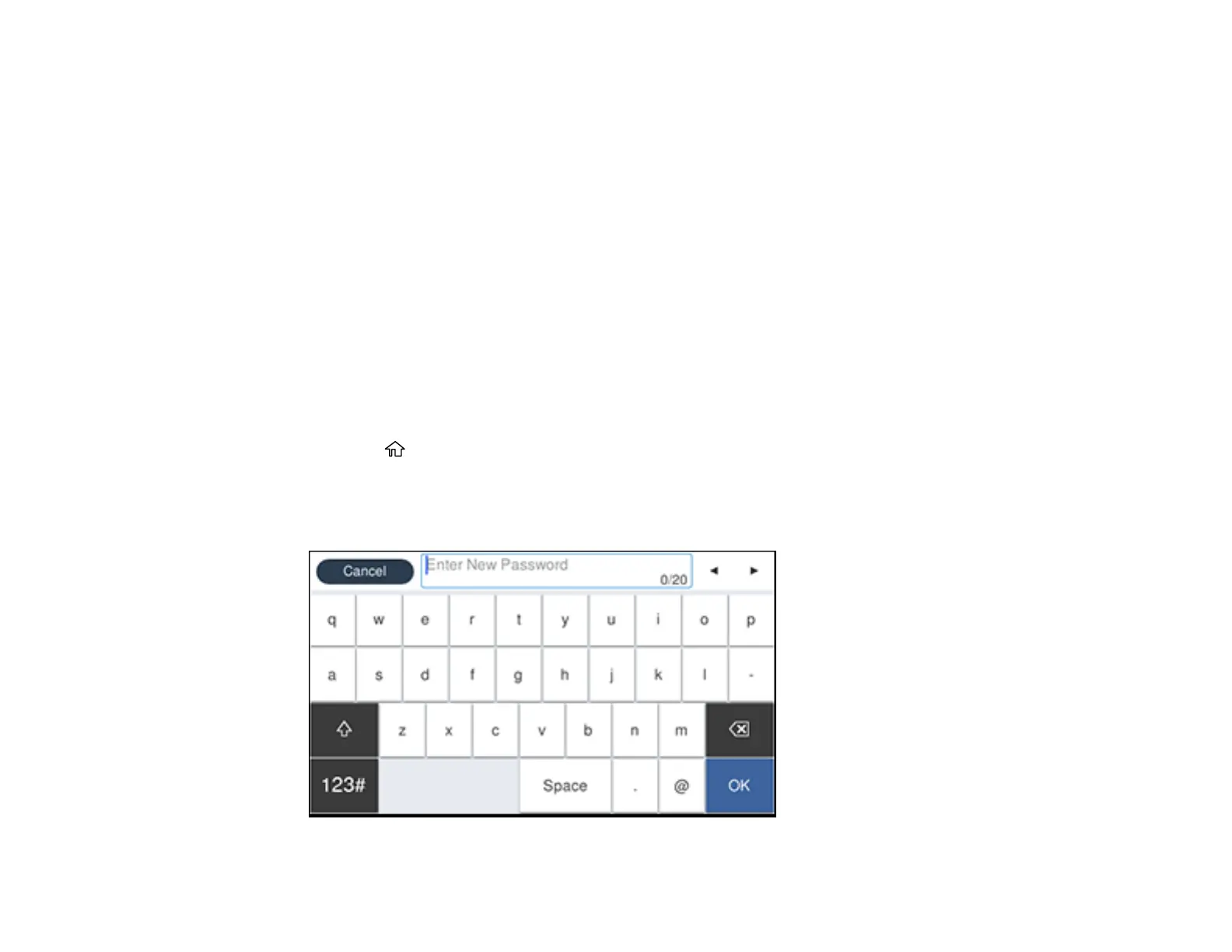
You see a screen like this:


 To Next Page