210
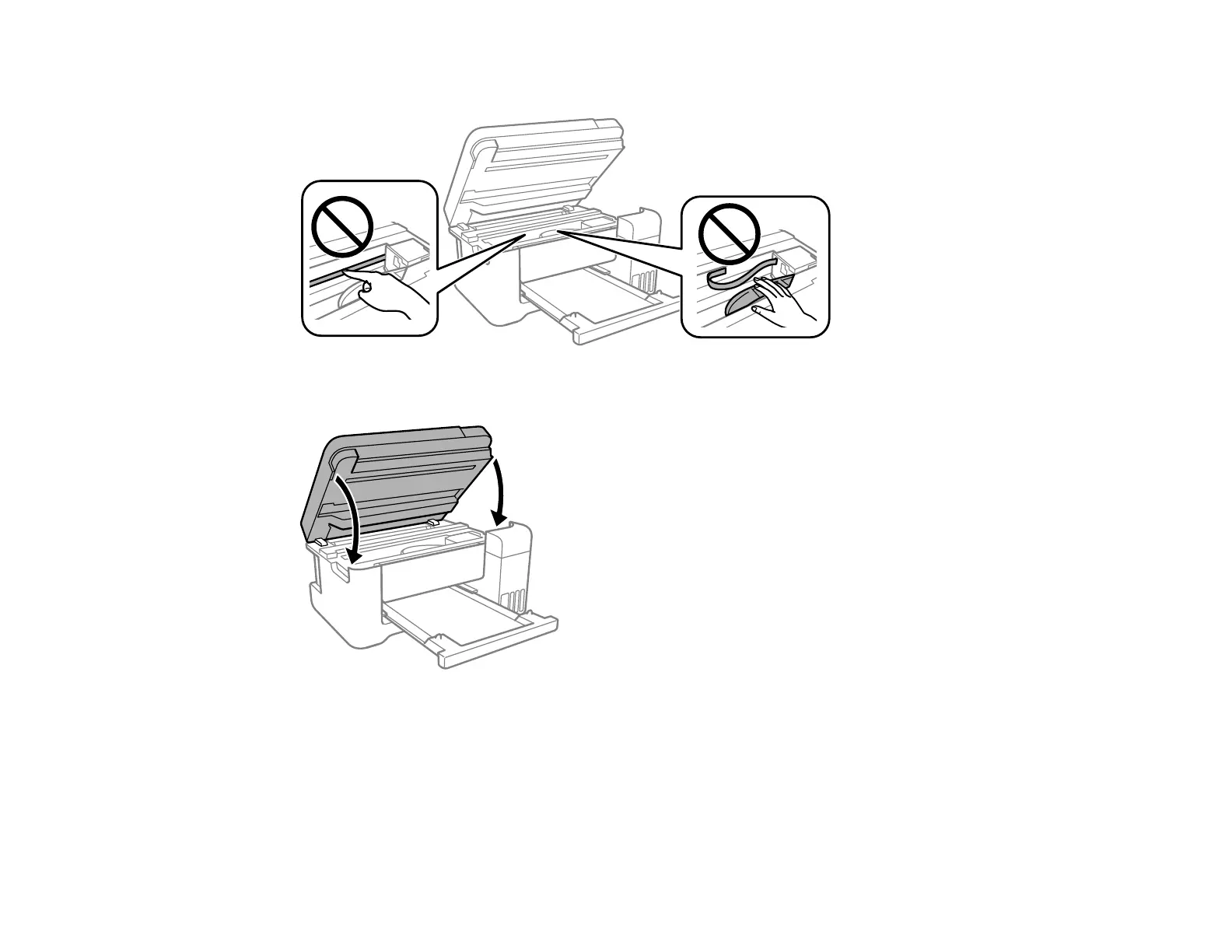
Caution: Do not touch the flat white cable or translucent film inside the printer.
4. Close the scanner unit.
Note: The scanner unit is designed to close slowly and resist a little as a precaution against injuring
your fingers. Continue to close the scanner unit even if you feel some resistance.
Parent topic: Solving Paper Problems
Related tasks
Cancelling Printing Using the Product







 To Next Page