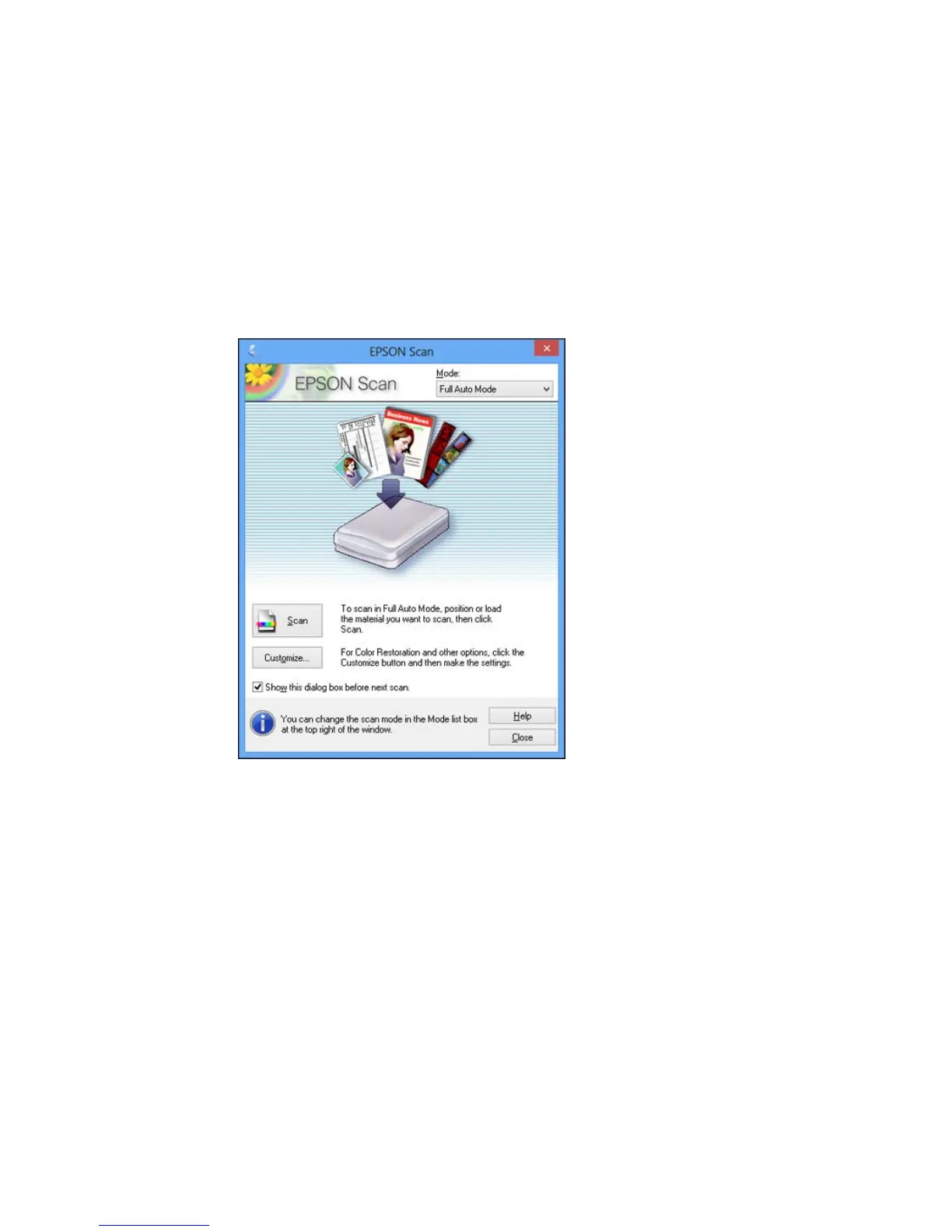
You see a window like this:
Note: If you started the scan from a scanner button, the Epson Scan window opens automatically. If
you have previously used Epson Scan, it may start in a different mode.
3. Select any scan settings you want to use.
Note: See the Help information in Epson Scan for details.
90







 To Next Page