151
Related references
Projector Light Status
Cleaning the Air Filter and Vents
Clean the projector's air filter or vents if they get dusty, or if you see a message telling you to clean them.
1. Turn off the projector and unplug the power cord.
2. Gently remove the dust using a small vacuum designed for computers or a very soft brush (such as
a paintbrush).
3. If dust is difficult to remove or the air filter is damaged, replace the air filter.
Parent topic: Air Filter and Vent Maintenance
Replacing the Air Filter
You need to replace the air filter in the following situations:
• After cleaning the air filter, you see a message telling you to clean or replace it
• The air filter is torn or damaged
You can replace the air filter while the projector is mounted to the ceiling or placed on a table.
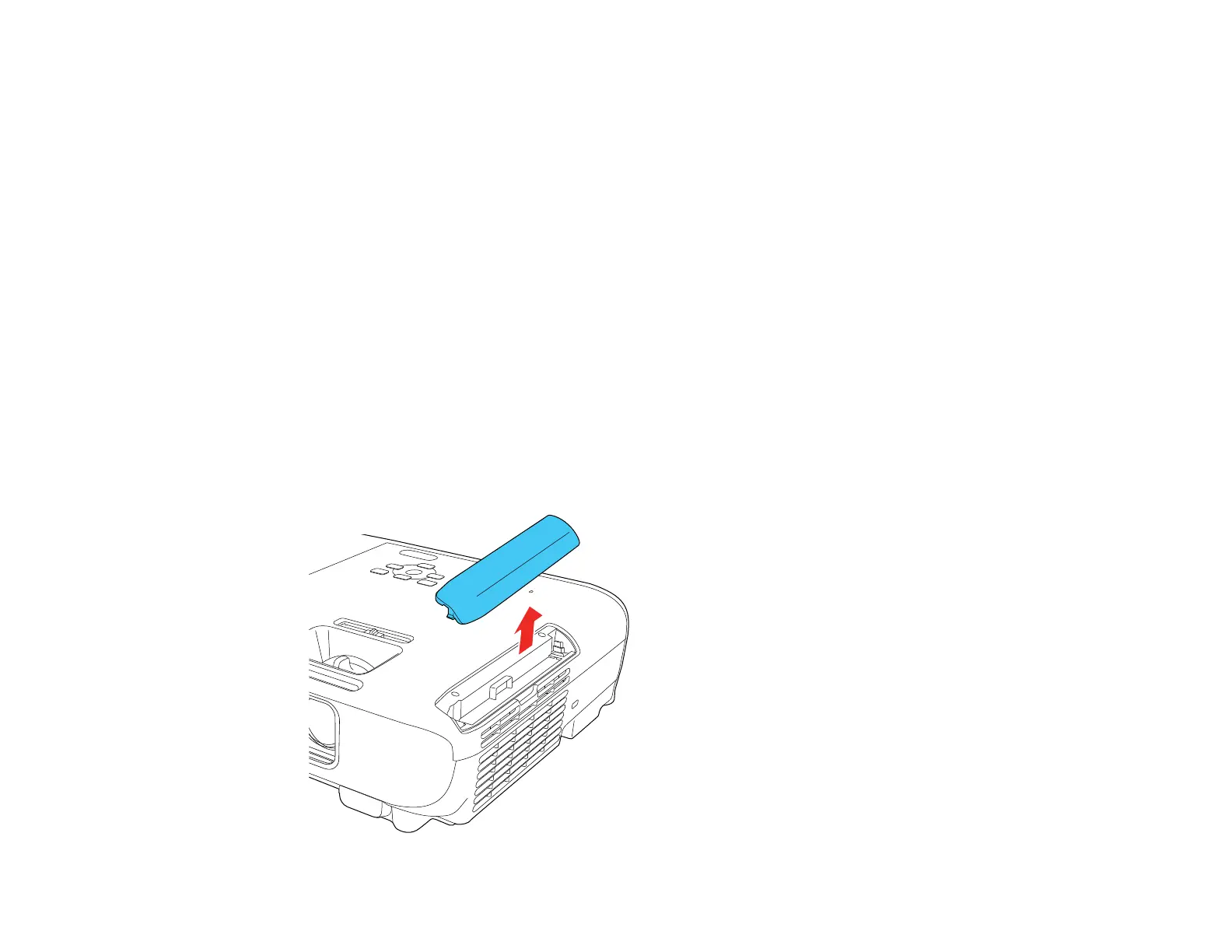
1. Turn off the projector and unplug the power cord.
2. Carefully open the air filter cover.


 To Next Page