EasyManua.ls Logo

Epson Runsense SF-810 - User Manual

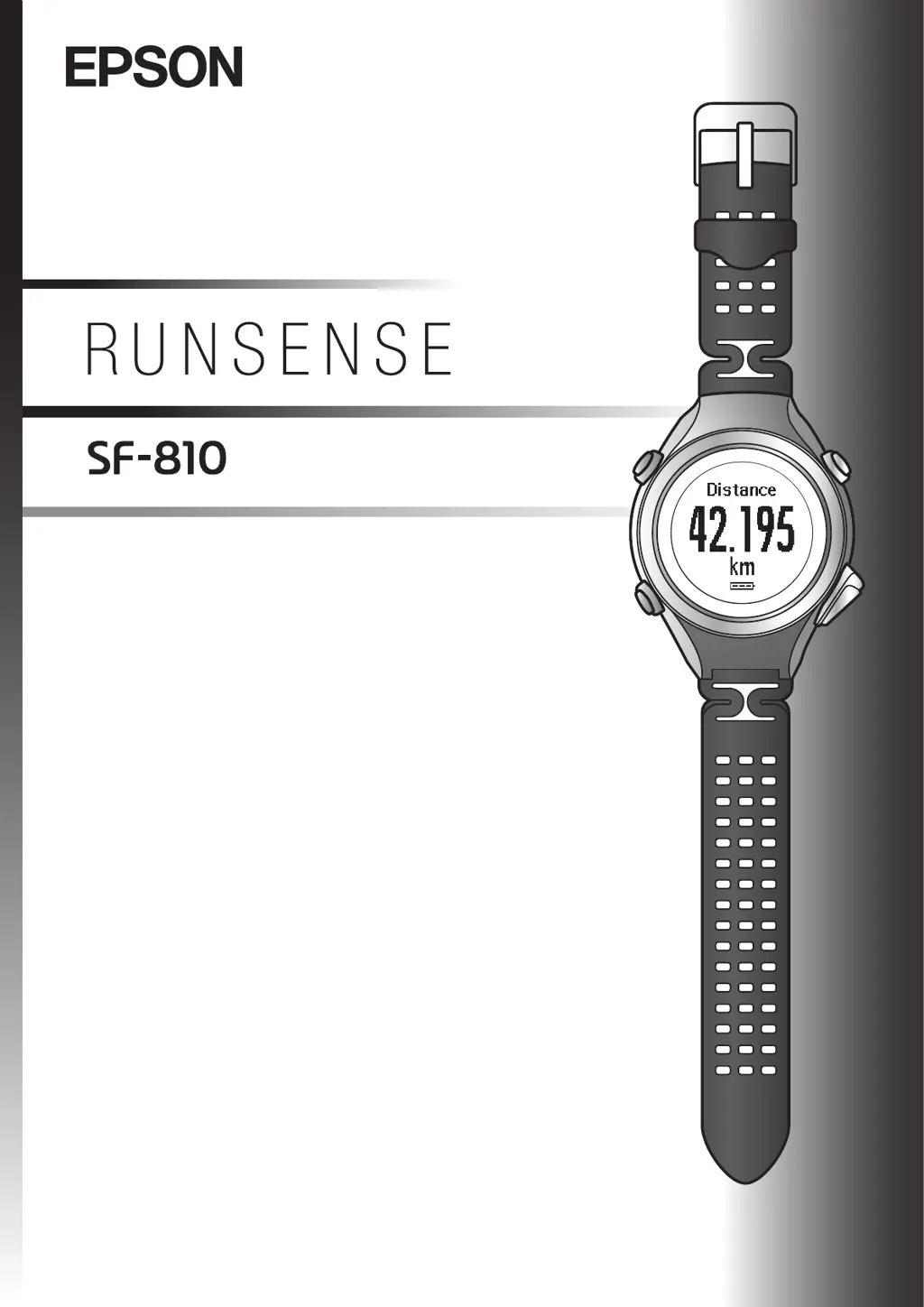
Epson Runsense SF-810
132 pages
Print Icon
To Next Page IconTo Next Page
Loading...
UserManual
GPSSportsMonitor

Table of Contents

Other manuals for Epson Runsense SF-810

Questions and Answers

  • C
    Chad DavisSep 23, 2025
    What to do if the pulse (heart rate) cannot be measured on Epson Fitness Trackers?
    • K
      Kylie ParrishSep 23, 2025
      To improve pulse (heart rate) measurement on your Epson Fitness Trackers, make sure you are wearing the product correctly. In cold or windy conditions, protect the device by wearing it under a sleeve.
  • C
    Cory Aguilar DDSAug 25, 2025
    How to fix Epson Fitness Electronics when nothing displays on the screen?
    • T
      tinathomasAug 25, 2025
      If your Epson Fitness Electronics product displays nothing on the screen, the battery likely needs charging. Charge the battery before use.
  • H
    Holly MeyerAug 25, 2025
    Why my Epson Fitness Electronics is not recognized by the computer?
    • B
      Brooke PerezAug 26, 2025
      If your Epson Fitness Electronics product is not recognized correctly when connected to a computer, check the connection between the computer and the cradle. Clean the contact points on the product and the cradle. You can also try performing a system reset.
  • C
    craig27Aug 26, 2025
    What to do if Epson Fitness Electronics does not react to button presses?
    • S
      Sue CowanAug 27, 2025
      If your Epson Fitness Electronics product isn't reacting to button presses, it probably needs to be charged. Charge the battery. If it still doesn't work after charging, try resetting the system.
  • B
    Betty LeeAug 27, 2025
    How to prevent Epson Fitness Electronics screen from turning off?
    • J
      John StanleyAug 27, 2025
      When the Epson Fitness Electronics is not used for a period of time, it enters sleep mode and the display turns off. Press a button or move the product to restore the display. If the display still doesn’t work, charge the product. To prevent the product display from shutting off, disable the Auto Sleep setting.
  • L
    Lisa DillonSep 13, 2025
    How to fix Epson Fitness Trackers screen when it is not displayed?
    • A
      Andrew CunninghamSep 13, 2025
      If the screen of your Epson Fitness Trackers is not displaying anything, charge the device. A blank screen often means the battery is depleted, so ensure you charge it before use.
  • J
    Jennifer LamSep 12, 2025
    What to do if communicating with a computer, an error screen is displayed and communication stops on Epson Runsense SF-810 Fitness Trackers?
    • V
      Vanessa NelsonSep 12, 2025
      If your Epson Fitness Trackers device displays an error screen and stops communicating when communicating with a computer, do not move the device and the cradle during communication. Also, avoid communicating data in environments where static electricity can easily be generated.
  • M
    Michael YatesSep 12, 2025
    What to do if the screen turns off or turns blue during use on Epson Runsense SF-810 Fitness Trackers?
    • E
      Erica JuarezSep 12, 2025
      If the screen on your Epson Fitness Trackers turns off or turns blue during use, try performing a system reset.
  • D
    danielangelSep 4, 2025
    What to do if Epson Fitness Electronics displays an error screen during computer communication?
    • T
      thomasfieldsSep 4, 2025
      When communicating with a computer, do not move the Epson Fitness Electronics product and the cradle during communication. Avoid communicating data under environments where static electricity can be easily generated. If the same error occurs, reconnect the cradle to start the communication again.
  • M
    mosslauraSep 2, 2025
    How to set the correct time on Epson Fitness Electronics?
    • J
      Julie GarciaSep 2, 2025
      If the time is not set correctly on your Epson Fitness Electronics, set Time Adjust in the Sys. Settings menu. If the time is still incorrect, check the Time Zone and DST (daylight-saving time) settings.

Summary

Using this Device Safely

Notes on Usage

Provides crucial usage warnings and cautions for the device.

Preparing and Basic Operations

Initial Settings

Guide for setting up the device upon first use.

Specifying a GPS (GPS Positioning)

How to acquire GPS signals for accurate tracking.

Measure

Measuring Pulse (Heart Rate) during Exercise

How to monitor heart rate during workouts.

Recording Laps Automatically (AT Lap Function)

Setting automatic lap recording based on time or distance.

Automatically Start;Stop Measuring (AT Pause Function)

Enabling automatic pausing and resuming of measurements.

Checking Measurement Data (Recall Function)

Data Management Using the Web Application (RUNSENSE View)

Uploading Measurement Data

How to transfer recorded data from the device to the computer.

Setting Measurements Using the PC Application (Run Connect)

Setting the AT Lap Function

Configuring automatic lap recording using the PC application.

Setting the Target Pace Function

Setting pace targets via the PC application.

Setting the Interval Function

Customizing interval training parameters using the PC application.

Settings

Maintenance

Replacing the Battery on your GPS Sports Monitor

Information regarding the device's battery.

Updating the Firmware

Steps to update the device's software.

Troubleshooting

Problem Solving

A guide to diagnosing and fixing common problems.

Resetting the System

Instructions for performing a system reset on the device.

Epson Runsense SF-810 Specifications

General IconGeneral
BrandEpson
ModelRunsense SF-810
CategoryFitness Trackers
LanguageEnglish