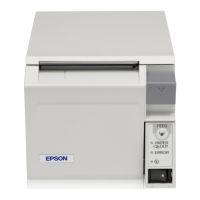
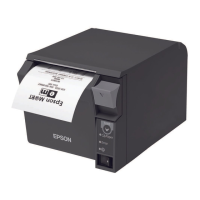
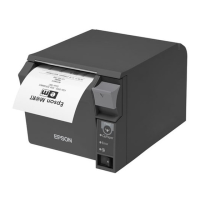
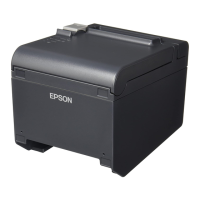
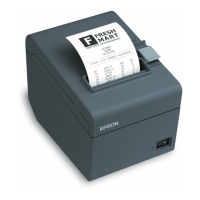
6. Select the correct printer that you have under Select
Driver: (e.g. EPSON TM-T70 Receipt).
7. Optionally you can give a name to the printer other
than the one that is there by default (e.g. Bar
Receipt).
8. Select the correct type of port under Port Type: (e.g.
if the printer connects via a USB port select Create a
USB port).
9. Optionally you can set the receipt printer as the
default printer in windows.
10. Select Next.
11. At the next screen (if you selected to create a Parallel
or serial port) you will be prompted to select a port
number to install this with (e.g. if your device is
installed via a parallel port select LPT1 under LPT
Port:).
12. Select Next.



 To Next Page
 Loading...