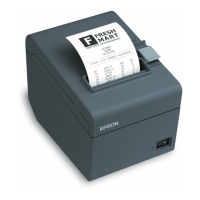
Next, you’ll adjust how the receipt paper is cut. From
the same Printer Properties window, General tab:
1. Select Printing Preferences.
2. Select the Document Settings tab.
3. At the bottom of the window select Paper
Conservation. Then select Top & Bottom.



 To Next Page
 Loading...