How to connect an Epson Serial Printer
Overview
A serial connection is probably the most common type of connection between a POS
computer and the printer. A serial connection involves a pair of wires (transmit and receiver)
along with the status and handshaking wires. The data cable connects the serial port on the
computer to the serial adapter card on the printer. If installing a Serial Buffer II, see here..
Required Components
Epson POS Printer with Connect-It serial adapter (UB-S01 or equivalent)
Windows computer with serial port
Epson Printers Covered
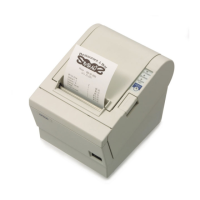
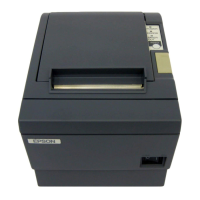
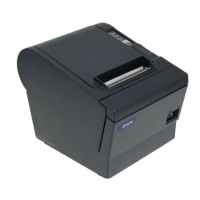
TM-T88II
TM-T88III
TM-T88IV
TM-T88V
TM-U200
TM-U220
TM-U230
TM-U325
TM-U590
TM-U675
TM-H6000III
Installing and Setting the Connect-It Serial Adapter
Install the Connect-It serial adapter into the Epson TM series printer

 Need help?










 To Next Page
 General