4
English
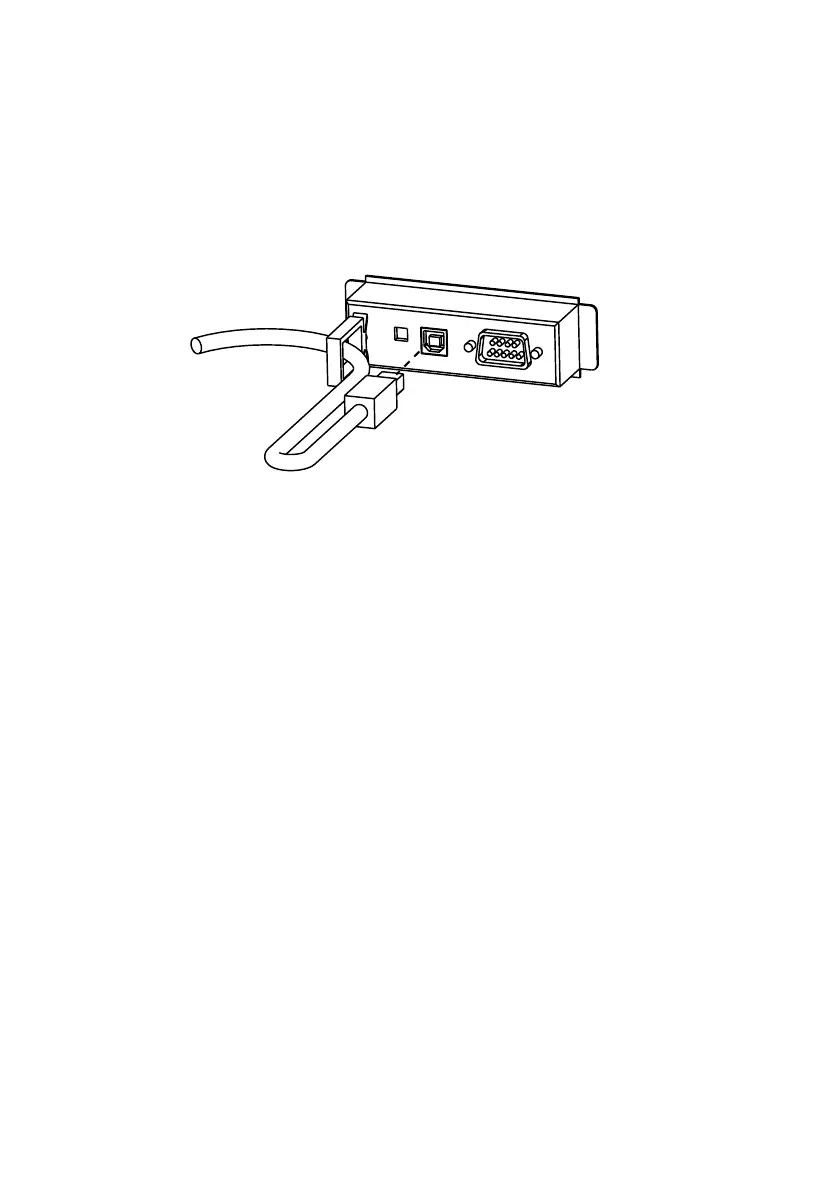
USB Interface Cable Connection
1. Make sure both the printer and the host computer are turned off.
2. Install the locking wire strain relief in the position shown below. You can
hook USB cables through the locking wire strain relief to keep them in
place.
3. Insert the square connector end of the USB cable into the upstream
connector of the UB-U09.
4. Insert the opposite end of the USB cable into the downstream connector of
the host computer.
5. Change the printer settings to the parallel interface settings. For details,
see the settings described in the printer documentation.


 To Next Page